What is Clickjacking? How Invisible Overlays Can Trick Your Customers
Clickjacking hides a real page underneath a fake one so users click something without realising it. Here's how it works, why it matters for ecommerce stores, and the one-line fix that stops it.
Imagine you are filling out a form on what looks like a normal website. You click a button labelled "Get my free guide." Unknown to you, there is an invisible layer on top of that button, a transparent copy of your bank's payment page. Your click lands on "Confirm payment" on the hidden page underneath. You authorised a payment you had no idea you were making.
That is clickjacking. The name comes from "hijacking your clicks."
How clickjacking works
The technical mechanism is surprisingly straightforward, which is part of why it has been a known attack method for nearly two decades.
The key ingredient is the <iframe> element. Iframes are a standard part of how websites work. They let one webpage embed another webpage inside it. You see legitimate iframes all the time: YouTube videos embedded on a blog, a Google Maps widget on a restaurant's site, a payment form on a checkout page.
An attacker exploits this by:
-
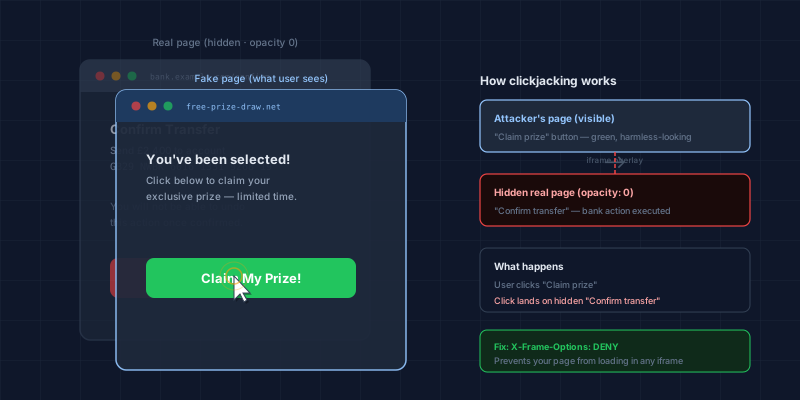
Creating their own webpage. It looks like something harmless: a prize draw, a free tool, a social media post.
-
Embedding your store's page inside an invisible iframe. They load your page at 0% opacity so it is there in the browser, fully functional, but completely invisible to the visitor.
-
Positioning the iframe so a sensitive element lines up with something on their fake page. Maybe the invisible "Confirm purchase" button on your checkout aligns with the big orange "Claim your prize" button the visitor can see.
-
Waiting for the user to click. The user thinks they are clicking the attacker's button. Their click lands on your real page underneath. The action executes.
What can a clickjacker actually make happen?
Because clickjacking causes real clicks on real pages, the damage depends on what buttons and actions are available on the page being framed:
Confirm purchases or add payment methods. If your store's checkout or account management page can be framed, a clickjacker could get customers to authorise purchases or save card details they never intended to.
Change account settings. Email address changes, password resets, shipping address updates, notification preferences: any account action that lives behind a click can be hijacked.
Approve social sharing or follows. Attackers have used clickjacking to get users to unknowingly like posts, follow accounts, or share content, useful for spreading malware or inflating engagement.
Trigger downloads. Tricking a user into clicking a "download" link they did not see can be used to install malicious software.
Clickjacking is harder to detect than most attacks because no error appears and nothing looks wrong to the user. By the time anyone realises something has happened, the action has already been taken.
A real-world example
In 2009, a security researcher demonstrated that Facebook's "Like" button could be clickjacked to get users to unknowingly like pages without their knowledge. This became known as "Likejacking" and demonstrated the scale of the problem. Millions of users were affected across thousands of sites before a fix was deployed.
More commercially relevant examples include attacks on online banking portals, where users were tricked into authorising transfers, and ecommerce sites where users unknowingly confirmed orders or saved attacker-controlled payment details to their accounts.
Why ecommerce stores are a target
Your store has exactly the kind of pages attackers want to frame:
- Checkout pages with payment authorisation actions
- Account pages where customers manage their saved cards and addresses
- Login pages that can be framed to capture credentials (combined with other techniques)
- Cart pages where items can be added or quantities changed
Any of these can become a weapon against your customers if your site can be loaded inside an iframe on another page.
The fix, and why it is simple
The primary defence against clickjacking is a security response header called X-Frame-Options.
When your web server sends this header alongside any page, it tells the visitor's browser: "Do not allow this page to be embedded in an iframe." The browser enforces it automatically, without the user having to do anything.
The two useful values are:
X-Frame-Options: DENY
Refuses all iframe embedding, anywhere.
X-Frame-Options: SAMEORIGIN
Allows embedding only by pages on your own domain, useful if you legitimately embed your own pages inside your own site.
For most stores, DENY is the right choice unless you specifically need self-embedding.
A modern alternative that offers more granular control is the Content-Security-Policy header's frame-ancestors directive:
Content-Security-Policy: frame-ancestors 'none';
This does the same thing as X-Frame-Options: DENY but via the newer CSP mechanism, which also gives you other script security controls in the same header.
The absence of X-Frame-Options is one of the security issues our Webpage Security Checker tests for. Run a free scan on your checkout URL to see whether your store is currently vulnerable.
What about Shopify and hosted checkouts?
Shopify's checkout pages include X-Frame-Options by default, so they cannot be embedded in iframes. The same is true of Stripe Checkout and most major hosted payment pages. The payment processors have done the work.
The gap is often your storefront: your product pages, your account pages, your cart. These are the pages that merchants control directly, and they are the ones most likely to be missing the header.
If you manage your own server configuration (WooCommerce on a self-hosted WordPress install, a custom Next.js build, a Magento deployment), you need to set X-Frame-Options yourself. It typically lives in your nginx or Apache config, or in your CDN settings if you use Cloudflare or a similar service.
How to check your store
The fastest way to know if your store is exposed is to scan your checkout or account page URL with our free Webpage Security Checker. It tests for X-Frame-Options, Content-Security-Policy, and eight other security controls in under a minute.
If the scan flags a missing X-Frame-Options header, you have a clickjacking vulnerability that can be fixed in a matter of minutes with the right server access. If you are unsure how to apply the fix for your specific setup, or you want a broader security review of your payment page, reach out to us and we can walk you through it.
Technical Overview
Next steps
Subscribe to the Newsletter
PCI compliance guides and ecommerce threat intelligence, straight to your inbox.
No spam, unsubscribe anytime. We handle your address as described in our privacy policy.
Related Articles
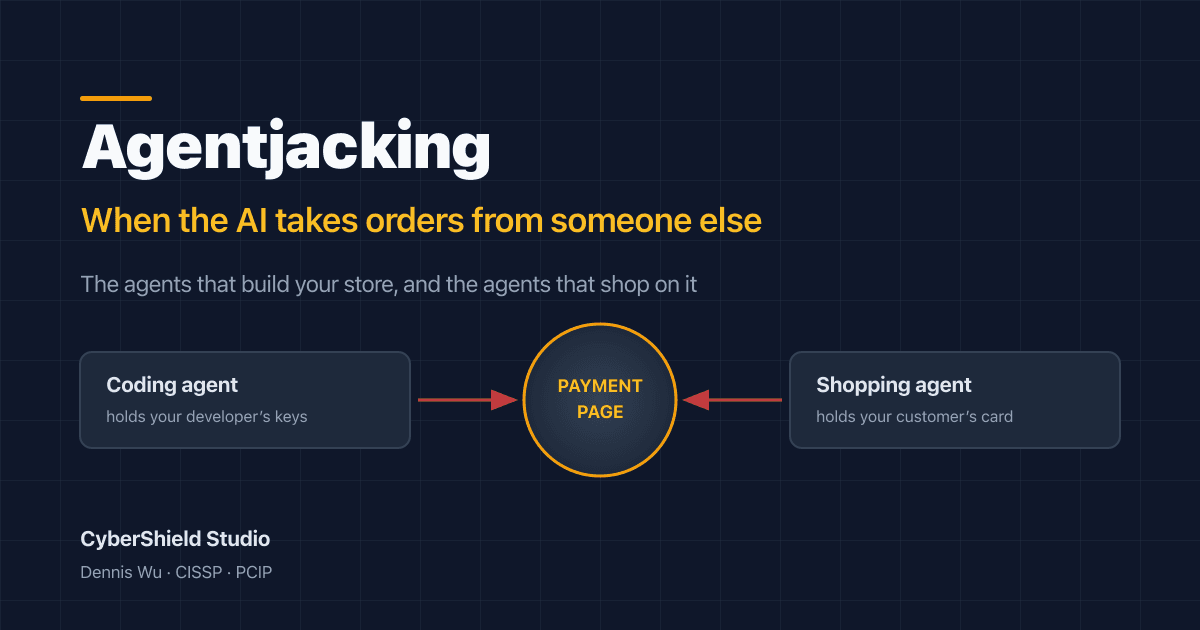
What Is Agentjacking? The AI Attack That Reaches Your Store From Two Sides
Agentjacking hijacks AI agents through data they already trust. Here's the June 2026 research, why it reaches your checkout from two directions, and what to do.
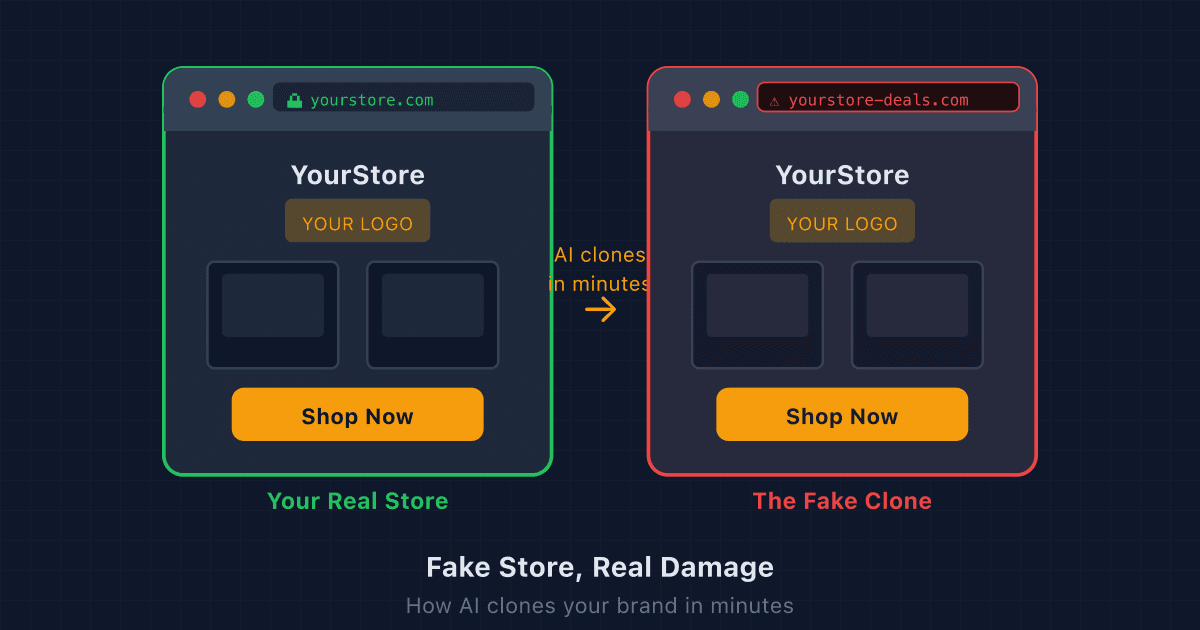
Fake Store, Real Damage: How AI Clones Your Brand in Minutes (and What to Do)
AI tools let scammers copy your entire online store in minutes. Here's how to find a fake store using your brand, get it taken down, and make your real store harder to impersonate.
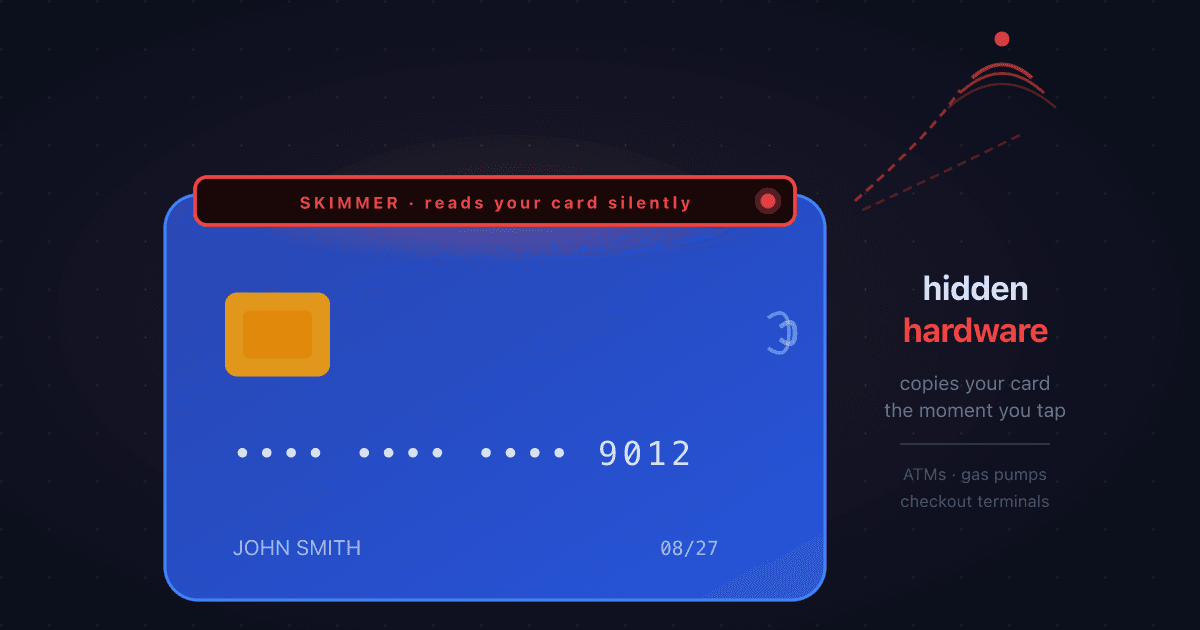
What is Card Skimming? How Criminals Steal Card Data at ATMs, Gas Pumps, and Checkouts
Card skimming installs hidden hardware on payment terminals to steal card details the moment a card is swiped or inserted. Here's how it works, where it happens most, and what it means for online merchants dealing with the resulting fraud.