Fake Store, Real Damage: How AI Clones Your Brand in Minutes (and What to Do)
AI tools let scammers copy your entire online store in minutes. Here's how to find a fake store using your brand, get it taken down, and make your real store harder to impersonate.
An AI brand clone is a fake website that automatically copies your store's logo, product images, and layout, then runs on a domain one letter away from yours. Customers pay real money, receive nothing, and dispute the charge. The chargeback lands on your processor account. Most merchants discover a clone from a confused customer email, not from any security tool.
Brand cloning is one of four AI-driven threats in the series anchored by Attackers now use AI, and your detection window just got shorter.
What does an AI-generated fake store actually look like?
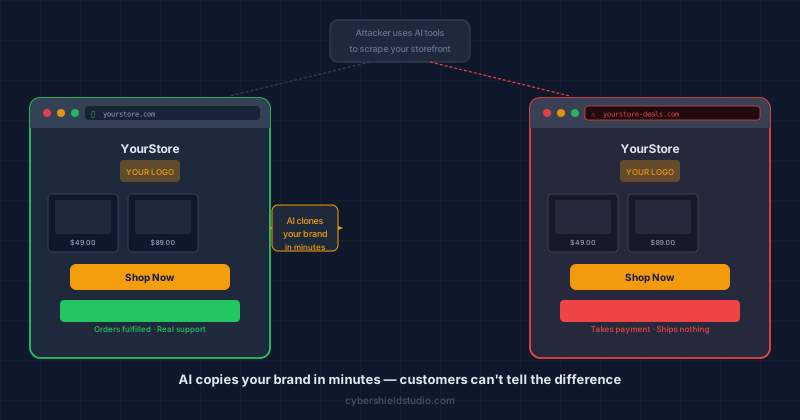
The clone looks like your store. Same hero image, same product photos pulled directly from your site, same colour scheme, often the same product copy. The only visible difference is the domain name, and most customers do not check it.
Common patterns: yourstore-official.com, yourstoredeals.net, shop-yourstore.com. Sometimes the attacker registers a domain with a character substitution, replacing a lowercase "l" with the number "1", or switching to a different TLD like .shop instead of .com.
The fake checkout may process payment through a real payment provider using a fraudulently opened merchant account. Sometimes it fails and the customer is told to try again later. Either way, no order ships.
How does AI clone a brand in minutes?
Until recently, building a convincing fake store required significant manual work: a person copying images, rebuilding stylesheets, writing product descriptions. AI tooling has collapsed that timeline.
A scraping tool visits your storefront and pulls every image, font reference, colour value, and layout structure it can access — the same content a customer's browser downloads on a normal visit. That data feeds into a site-generation tool, which produces a working HTML storefront in the same visual style. Some of these tools are sold commercially as "clone a competitor's site" products and have been adapted by fraudsters for impersonation.
Domain registration costs a few dollars and takes minutes. Generating plausible product descriptions for the fake listings takes seconds with a language model. The Anti-Phishing Working Group recorded over one million phishing attacks in Q4 2024 alone (APWG eCrime Trends Report Q4 2024), with ecommerce brands consistently among the most-impersonated categories. The barrier to launching a fake store is now lower than the barrier to starting a legitimate one.
Fake stores are most effective during high-traffic periods: sale events, holiday shopping seasons, new product launches. Attackers time their clones to coincide with moments when customers are actively searching for your brand and paying less attention to the URL bar.
What damage does a fake store actually cause?
The direct harm falls on your customers: they pay for products they never receive. The indirect harm lands on your business across three areas.
Chargebacks accumulate. Customers who were defrauded dispute the charge with their bank. Depending on how the fake store processed payments, some disputes may be attributed to your merchant account if the attacker used your brand name in the transaction record. Processors monitor chargeback ratios; a sustained campaign can push you past a threshold that triggers account holds or reviews.
Brand trust erodes quietly. Customers who were defrauded and assume your store was responsible do not come back. Some leave reviews describing fraud they experienced on the fake site. Others warn their networks.
Customer service absorbs the noise. "I ordered from you three weeks ago and received nothing" emails arrive for orders your system has no record of. Each one requires time to investigate and explain.
How do I know if someone has cloned my store?
Customer reports are the most common first signal: someone contacts you about an order you have no record of, or asks why your website looks slightly different from what they remember.
Set up Google Alerts for your brand name. Search for "[your brand]" site:*.com in Google periodically to surface new pages using your name. A Google Alert combining your brand with words like "store", "official", or "reviews" will catch newly indexed pages.
Watch your chargeback reason codes. A spike in "item not received" disputes (Mastercard reason code 4855, Visa code 30) is often the first statistical indicator that customers are paying a site claiming to be you.
Monitor for lookalike domains. Services like DomainTools or the free URLscan.io let you search for recently registered domains containing your brand name. Setting up an alert for common variation patterns, including hyphens, number substitutions, and alternate TLDs, gives you earlier warning than waiting for customer reports.
What should I do when I find a fake store?
Move quickly. Fake stores operate as long as they can before being shut down, and every day is more customers defrauded.
Start with the registrar. Look up the fake domain at whois.domaintools.com. The registrar is listed. Nearly every major registrar has an abuse reporting process. File a report citing the impersonation and include evidence: screenshots of the fake site, your own domain registration details, and your trademarked logo.
Submit for browser warnings. Google Safe Browsing and Microsoft SmartScreen trigger the "Dangerous Site" warning in Chrome, Edge, and Firefox. Both have public reporting forms:
- Google: safebrowsing.google.com/safebrowsing/report_phish
- Microsoft: microsoft.com/en-us/wdsi/support/report-unsafe-site
File a DMCA takedown with the hosting provider. If the fake store uses your product images or other copyrighted content, you have grounds for a DMCA notice. The hosting provider's abuse contact is findable via the domain's IP address and a WHOIS lookup. Hosts are legally obligated to respond.
Notify your processor. Contact your payment processor or acquiring bank and explain the situation. This puts your account on record as a victim rather than a source of fraud, and some processors have dedicated teams that can assist with takedown coordination.
Save the evidence first. Before you file anything, take dated screenshots of every page and save the HTML source. Evidence disappears when a fake site goes down. You may need it for a domain dispute or a legal claim.
If you hold a registered trademark with the USPTO or your country's equivalent, include the registration number in every takedown request. Trademark holders receive significantly faster responses from registrars and hosting providers than businesses relying on copyright claims alone.
What can I do to make my store harder to clone?
You cannot stop your public storefront from being scraped. Browsers download every image and stylesheet your site serves, and scraping tools work the same way. What you can do is make a clone easier for customers to identify as fake, and harder to pass off as you.
Add trust signals that require working infrastructure. Payment processor logos linked to live verification pages, SSL certificate badges linked to a valid lookup, and verifiable third-party review widgets all function only on your real site. A clone can copy the image but not the active link behind it.
Use a branded sending domain for order confirmations. Customers who check their inbox after ordering should see mail from orders@yourstore.com, not a generic Gmail or a mismatched domain. A fake store that cannot replicate this is exposed the moment a customer compares.
Register the obvious lookalike domains yourself. Registering yourstore-official.com and yourstore-deals.com and pointing them at your real site costs a few dollars a year and removes the cheapest impersonation vectors.
Run your checkout URL through our free Webpage Security Checker. It will not detect a fake store on a different domain, but it confirms that your real store has the security headers and trust signals that help browsers distinguish you as the legitimate property.
If you are dealing with an active impersonation campaign and need help assessing the processor, chargeback, or compliance angle, a founder-led checkout review can give you a clear picture of your exposure and what steps to take.
Next steps
Subscribe to the Newsletter
PCI compliance guides and ecommerce threat intelligence, straight to your inbox.
No spam, unsubscribe anytime. We handle your address as described in our privacy policy.
Related Articles
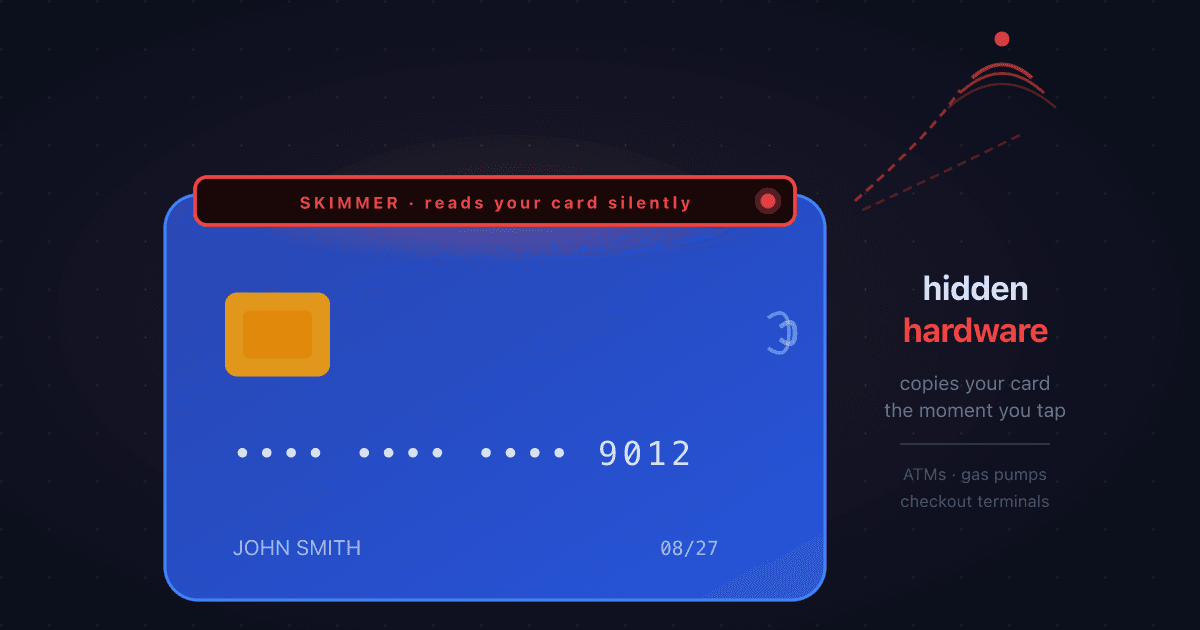
What is Card Skimming? How Criminals Steal Card Data at ATMs, Gas Pumps, and Checkouts
Card skimming installs hidden hardware on payment terminals to steal card details the moment a card is swiped or inserted. Here's how it works, where it happens most, and what it means for online merchants dealing with the resulting fraud.
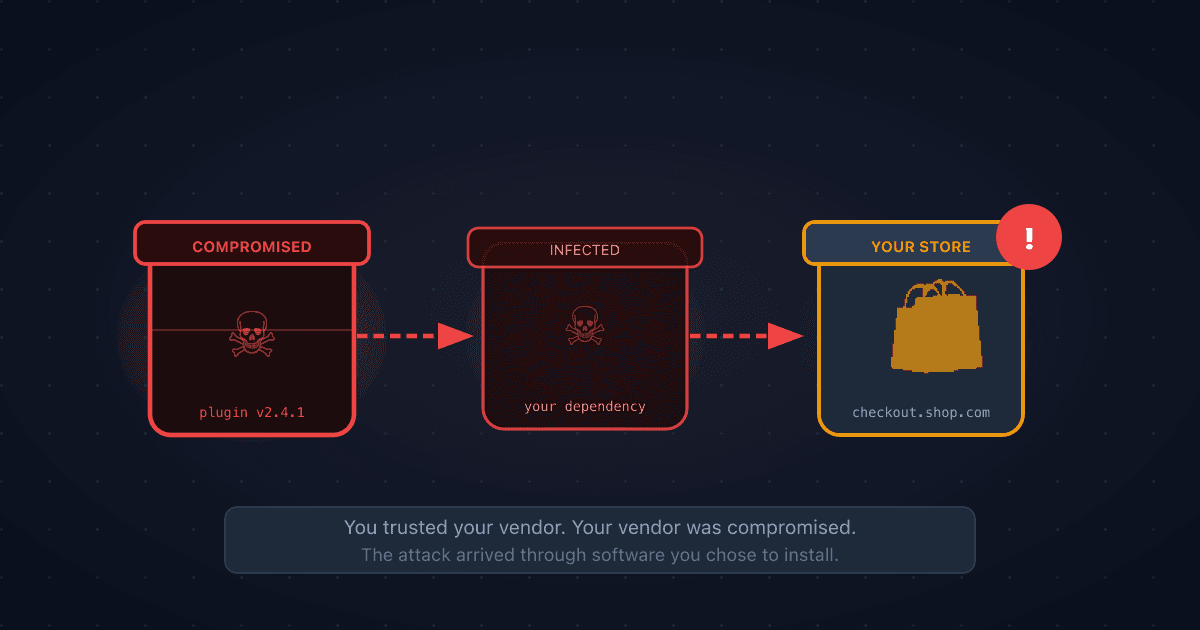
What is a Supply Chain Attack? When the Software You Trust Becomes the Threat
A supply chain attack compromises software or services that you depend on, so attackers reach you through a vendor you already trust. Here's how it works, why it's behind many of the biggest breaches, and what ecommerce merchants can do about it.
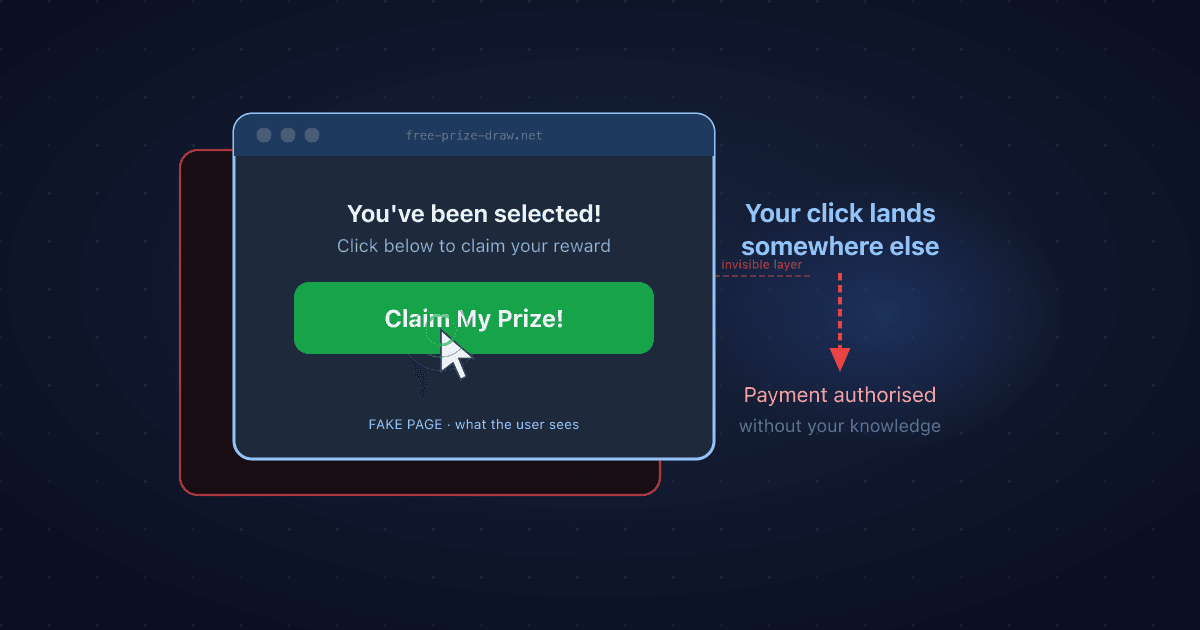
What is Clickjacking? How Invisible Overlays Can Trick Your Customers
Clickjacking hides a real page underneath a fake one so users click something without realising it. Here's how it works, why it matters for ecommerce stores, and the one-line fix that stops it.