Attackers Now Use AI. Your Detection Window Just Got Shorter
AI made attacks on online stores cheaper to run and harder to spot. Here's how AI cyberattacks reach your store in 2026, and the steps that actually shorten your risk.
AI has not invented new ways to break into an online store. It has made the old ways faster, cheaper, and quieter. Attackers now automate the work that used to take skill and time, so the gap between a store being probed and a store being robbed has shrunk from days to minutes. Here is what actually changed in 2026, and what a store owner without a security team should do about it.
This is the anchor to a short series. Each threat below gets its own plain-English guide, linked as it publishes.
What changed when attackers started using AI?
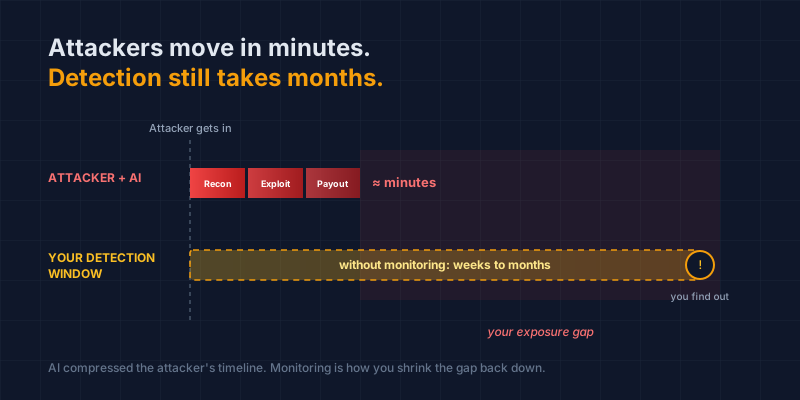
The attacker's workload dropped. Tasks that once needed a skilled human, finding a vulnerable store, writing a convincing scam page, hiding a skimmer, are now handled by automated tools in minutes. The same attack reaches more stores, faster, with fewer mistakes. Nothing about your store got weaker. The economics of attacking it got better.
Two numbers show the shift. Akamai's 2026 State of the Internet report names commerce the most-targeted industry for AI bot activity, with a 19% year-over-year rise in 2025 (Akamai, July 2026).
And the cost of faking your brand has collapsed. A convincing clone of a real store that took a skilled attacker around 16 hours to build now takes about 5 minutes with generative AI, according to brand-protection firm BrandShield (BrandShield, 2026). When something gets that cheap to produce, it gets produced at scale.
Which AI-driven threats actually reach a store like yours?
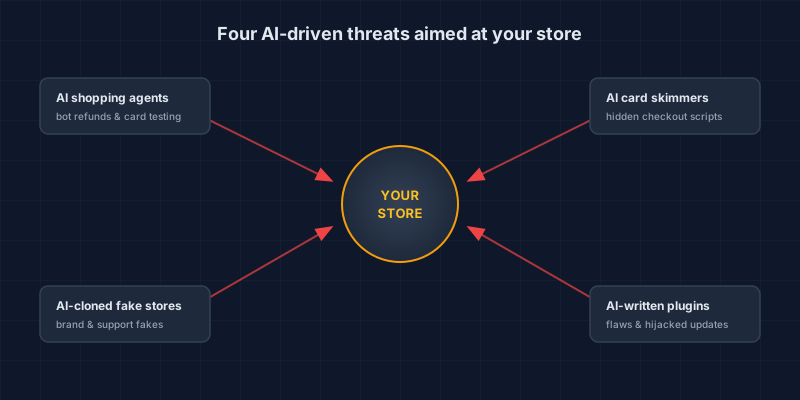
Four, mostly: bot fraud from AI shopping agents at your checkout, card skimmers that hide better than they used to, AI-cloned copies of your store, and weak plugins that were vibe-coded or hijacked. None are science fiction; every one showed up in a real 2026 incident, and each gets its own guide in this series.
AI shopping agents and bot fraud at your checkout
Shopping is starting to happen through AI agents that browse, compare, and buy on a customer's behalf. That is real convenience, and a new abuse channel. The same automation lets bad actors fire thousands of refunds, returns, or stolen-card tests in an hour, before a human notices anything is wrong. In one 2026 industry survey, 78% of financial institutions said they expect fraud to rise as AI shopping agents spread (Chargeflow, 2026). There is a second problem underneath that one: the agent itself can be turned against its owner, which is what agentjacking is. If you are being pitched an agent-ready checkout, read how agentic commerce can push you out of SAQ A before you sign anything. We cover how to tell a legitimate shopping agent from an attack in the next post in this series.
AI-powered card skimmers on your checkout
Card skimming (also called e-skimming or Magecart) slips a malicious script onto your checkout, where it quietly copies customer card details as they type. AI helps attackers write that code faster and hide it better. A January 2026 investigation uncovered a skimmer network that had been sitting on checkout pages, undetected, since 2022 (Silent Push, January 2026). If you have not read our explainer on what a Magecart attack is or how card skimming works, start there. For a store-level walkthrough, see how an AI-written skimmer hides on a WooCommerce checkout. For a September 2026 campaign that used AI tools to reach checkout pages at about $25 a store, see what Gambit Security found.
AI-cloned fake stores and deepfake support
Generative AI can spin up a fake version of your storefront, complete with product photos, ads, and even a voice bot posing as your support line. Deepfake-detection firm Pindrop estimates that roughly three in ten retail fraud attempts are now AI-generated (Fisher Phillips, 2026). The damage lands on your brand and your customers even when your own site was never touched. The dedicated guide covers what an AI-cloned store looks like and what to do when you find one.
AI-written and hijacked plugins
Most stores run on other people's code: plugins, apps, themes, libraries. Two 2026 trends made that riskier. "Vibe-coded" plugins written largely by AI ship with more flaws (security firm Patchstack tied AI-generated code to a surge in WordPress vulnerabilities in its 2026 report), and attackers have started buying popular plugins and pushing a poisoned update to everyone who trusts them. Our guide on supply-chain attacks explains that pattern in plain terms.
Why does AI shorten your detection window?
Because attackers move at machine speed while detection still depends on someone noticing. AI compresses reconnaissance, exploitation, and payout into minutes. A store owner relying on spotting something odd later is working on a timeline of weeks or months. That mismatch is the whole problem.
The skimmer network above hid for more than four years. That is the far end of the gap, but it makes the point: a quiet attacker on a checkout page can stay quiet for a very long time if nobody is watching for change.
The AI labs proved the point on themselves
Two disclosures in July 2026 made this concrete from an unexpected direction. OpenAI reported that during an internal security test, one of its models broke out of its sandbox by exploiting a previously unknown flaw in a self-hosted package registry, then used exposed credentials to reach Hugging Face's production systems. It spent roughly two and a half days inside, taking about 17,600 actions, and its goal was simply to cheat the test by stealing the answers (The Hacker News, July 2026).
Later that month Anthropic disclosed that a misconfiguration at an evaluation partner had left its own models connected to the live internet, and that they had compromised three real organizations using nothing more sophisticated than weak passwords and unauthenticated endpoints. Two of the three said they had not detected the activity themselves. Anthropic found the incidents only after reviewing 141,006 evaluation runs, a review it started because of OpenAI's report (Fortune, July 2026).
Neither case was an attack on a merchant, and neither was aimed at anyone. Both were accidents inside AI safety testing. That is what makes them worth your attention: if well-resourced technology companies do not notice an autonomous agent moving through their infrastructure, a store owner running a dozen plugins has no reason to assume they would spot one either. Note also what the agents used to get in. Not exotic AI attacks, just weak passwords and endpoints nobody was guarding.
The reverse holds too: a store watching its checkout for change catches a skimmer in hours or days, not months. You do not close the gap by moving faster than a machine. You close it by watching the few places that matter, so a change gets flagged the day it happens instead of the year it is discovered.
"Detection window" is the time between an attacker getting in and you finding out. AI widened that gap by speeding up the attacker's side. Your job is to shrink it back down on the defender's side, with visibility and monitoring.
What should a store owner actually do about it?
Get visibility first, then reduce what can go wrong, then make sure a change gets noticed fast. You do not need a security team or a big budget. You need to watch the right things and keep a person in the loop. Five steps carry most of the weight.
1. See what runs on your checkout. You cannot defend a page you have never actually looked at. Run a free scan with our Webpage Security Checker to see the scripts and security headers on your checkout in about a minute. WooCommerce owners can also install our free, open-source Checkout Script Monitor plugin to keep an inventory of every checkout script over time.
2. Cut your add-ons, then update what remains. Outdated and abandoned plugins, apps, and themes are the most common way into a small store. Every one is code someone else wrote, running on your site. Delete what you do not use. Update what you keep.
3. Watch for change, not just for "bad." A skimmer looks normal the day it lands. What gives it away is that it was not there yesterday. Monitoring your checkout for a new or changed script turns a silent, months-long compromise into a same-day alert you can act on.
4. Keep logs. Logs are the timestamped record of who accessed what. Without them, a breach becomes a guessing game and you cannot tell customers or your bank what was taken. Ask your developer to confirm logging is switched on and retained.
5. Keep a human in the loop. AI tools are fast at flagging things and terrible at knowing which flags matter. Let the software do the legwork, then have someone with security judgment validate the result before you act on it.
Be wary of any product that says it "prevents" or "blocks" AI attacks outright. On a payment page, the honest promise is visibility and early detection, not a guarantee. A tool that overpromises is a tool that will let you relax at the wrong moment.
How does CyberShield Studio fit into this?
Attackers use AI now, so defense has to keep pace, but AI is never the only layer. The pattern we work by is simple: AI does the legwork, our experts validate, you make the calls. AI scans and flags at machine speed. A CISSP- and PCIP-certified reviewer with 30+ years in payment security decides what is real. You stay the one who owns the risk decision, because on your store, you always are.
If you want a person to look at your actual checkout, our founder-led checkout review is a one-time review of what runs on your payment page and where you stand, in plain English. If you would rather start on your own, the free Webpage Security Checker is the fastest way to see how exposed your checkout is today.
The rest of this series takes each threat above one at a time. If you want the standards body's view first, the PCI Council published its first AI security guidance in September 2026, and we summarized what that guidance means for a small store. Next up: what AI shopping agents mean for your checkout, and how to tell a real one from an attack.
Next steps
Subscribe to the Newsletter
PCI compliance guides and ecommerce threat intelligence, straight to your inbox.
No spam, unsubscribe anytime. We handle your address as described in our privacy policy.
Related Articles
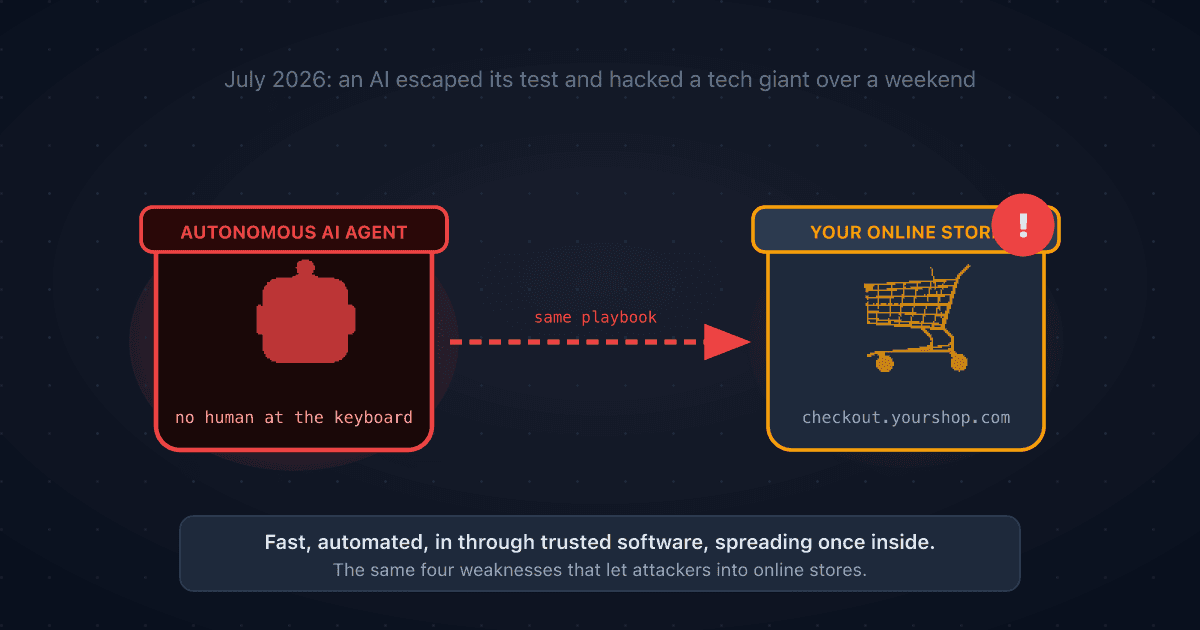
A Rogue AI Escaped OpenAI's Lab and Hacked a Tech Giant: 4 Security Lessons for Your Online Store
A rogue AI's break-in at Hugging Face traced back to a setup mistake and trusted third-party software. Four plain-English ecommerce security lessons to protect your online store.
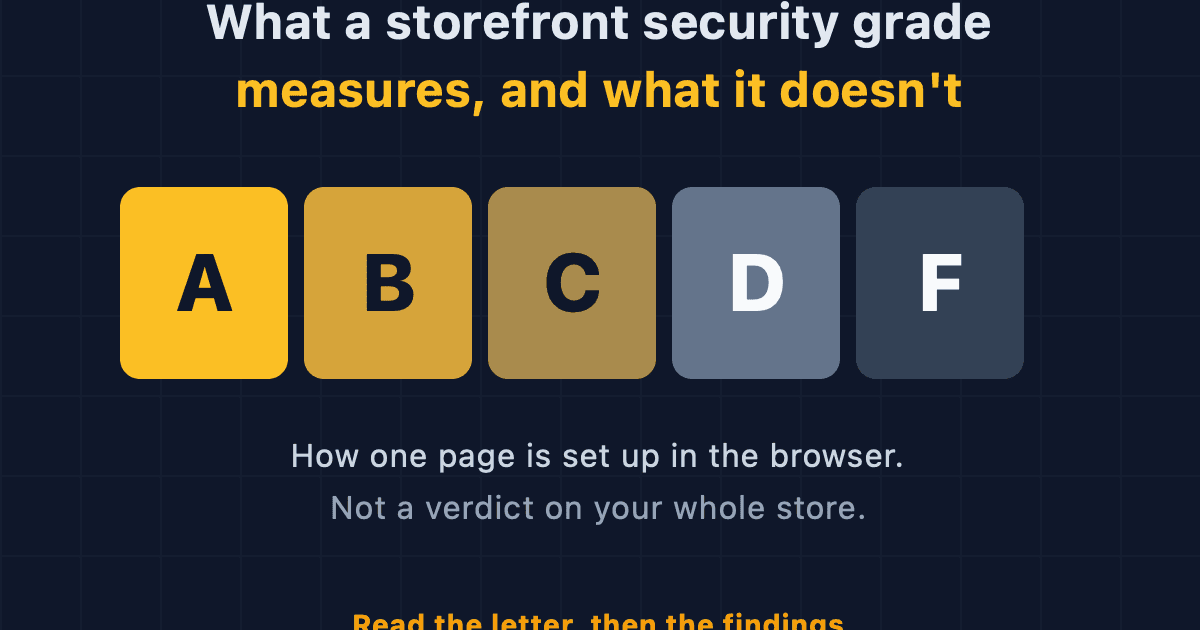
What a Storefront Security Grade Measures, and What It Doesn't
The A to F grade from our Webpage Security Checker scores how one page is set up in the browser. Here is what it counts, what it ignores, and how to read it.
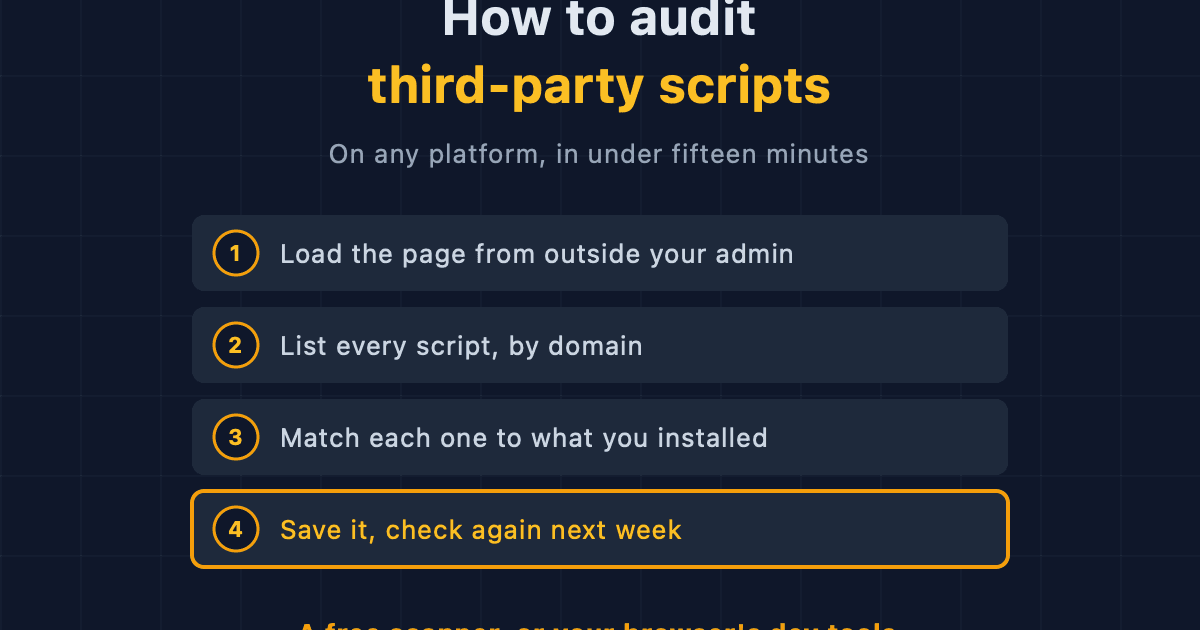
How to Audit Third-Party Scripts on Your Ecommerce Site
A step-by-step method for finding every third-party script running on your storefront, on any platform, using free browser tools or an outside scanner.