How to Dispute a False Positive on Your ASV Scan Report
Not every finding on a failing ASV scan report is something you caused or can fix. When a vulnerability is misidentified, doesn't apply to your environment, or is mitigated by something the scanner can't see, you can formally dispute it. Here's how the process works and what evidence you need.
ASV scanners are external probes. They hit your IP addresses from the outside, identify what services are responding, check versions and configurations against vulnerability databases, and produce a report. They are good at what they do, but they have a structural limitation: they cannot see inside your environment.
This means every ASV report contains a category of findings that are not what they look like. The scanner flags a vulnerability in a service you don't run, or on infrastructure your hosting provider manages, or in a version of software that has been patched in a way the banner doesn't reflect. The finding looks real in the report. It isn't.
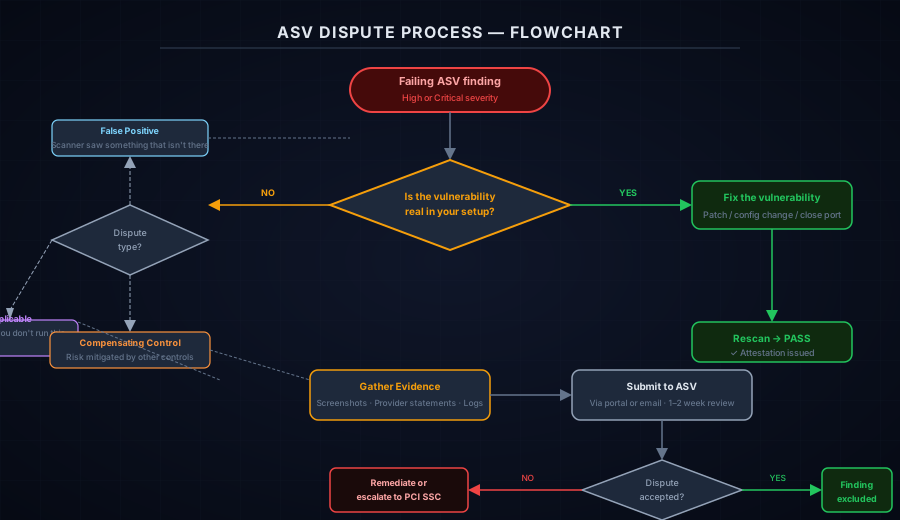
The dispute process exists to resolve this. It is a formal mechanism, documented in the PCI Council's ASV Program Guide, for challenging findings that are misidentified, not applicable, or mitigated through other controls.
The three grounds for disputing a finding
Not every challenge to an ASV finding qualifies as a legitimate dispute under PCI rules. There are three specific grounds:
False positive. The vulnerability does not exist as reported. The scanner identified it based on an observable signal (typically a software version banner or an open port), but the actual vulnerability is not present in your environment. Common examples include patched software that still reports an old version string, or services where the vulnerable component is disabled or unreachable despite the scanner seeing an open port.
Not applicable. The finding relates to something you do not control or that is not part of your cardholder data environment. If your site is hosted on a managed platform and the scanner flags a vulnerability in the host's shared infrastructure, that finding is not applicable to your specific deployment. Similarly, if you don't run a service at all but the scanner flags the port based on shared IP activity, that is not applicable.
Compensating control. The vulnerability is real, but another control in your environment reduces the risk to an acceptable level. This is the most technically demanding dispute type, because you need to demonstrate that your compensating control actually addresses the specific risk the finding represents. PCI DSS has formal requirements for what constitutes a valid compensating control, including that it must be above and beyond existing requirements, not just equivalent.
Disputes require evidence. "I don't think this applies to me" is not sufficient. Each dispute type has specific documentation requirements, and your ASV will evaluate what you submit against PCI criteria.
Documentation for each dispute type
For a false positive:
- Evidence that the vulnerable component is not actually present or reachable. This might be a screenshot of your software configuration showing the correct patch version, output from a local version check, or a statement from your hosting provider confirming the relevant component is not in use.
- If the issue is a stale version banner, documentation showing what is actually installed versus what the banner reports.
For a not applicable finding:
- Evidence that you do not control the asset. A statement from your hosting provider, a diagram showing that the flagged IP is shared infrastructure, or your own network documentation showing the service in question is not part of your deployment.
- If your provider manages the component, a statement from them confirming they are responsible for the finding and that it applies to their infrastructure, not your instance.
For a compensating control:
- A formal compensating control documentation worksheet (the PCI SSC publishes a template).
- An explanation of why the standard requirement cannot be met.
- A description of the compensating control: what it is, how it provides equivalent protection, and why it addresses the specific risk.
- Evidence the control is in place: configuration exports, monitoring logs, firewall rule exports, or similar.
Walking through the process with your ASV
The dispute submission workflow varies by ASV, but the general pattern is:
1. Identify the specific finding. Most ASV portals list findings by CVE or their internal reference number. Note the exact identifier you are disputing — you will need it in your submission.
2. Determine the dispute type. Before gathering evidence, decide which ground applies: false positive, not applicable, or compensating control. The right type determines what you need to collect.
3. Gather evidence. Collect screenshots, logs, provider statements, or documentation specific to your dispute type. The more specific and verifiable, the better. An ASV reviewing your dispute is asking: "Would a reasonable security professional accept this as evidence that the finding is not what it appears?"
4. Submit the dispute through your ASV's process. This is usually a form in their portal, an email to their compliance team, or a combination. Include the finding reference, the dispute type, and your supporting evidence.
5. Follow up on timeline. Ask your ASV how long their review typically takes. If you are close to a 90-day deadline, flag this explicitly — some ASVs can expedite reviews for compliance-critical situations.
Submit disputes for all applicable findings at the same time rather than one at a time. Most ASV processes review disputes in batches, and submitting them together reduces the total turnaround time before you can rescan.
What happens after the dispute is accepted
If your ASV accepts the dispute, they will mark the finding as disputed in the report. A disputed finding is excluded from the pass/fail determination — it remains visible in the report for transparency, but it does not count against your passing status.
Once all High and Critical findings are either remediated or successfully disputed, your next scan (or a rescan if the dispute process was applied to an existing failed scan) should return a passing result. Your ASV will issue an updated report and attestation reflecting the passing status.
What happens if the dispute is rejected
A rejected dispute means the finding stays in the report at its original severity, and you are back to the same options: fix it or escalate.
Fix it. If the dispute was rejected because the evidence was insufficient, you can remediate the vulnerability directly and rescan. Sometimes it is faster to apply the patch or configuration change than to build a more compelling dispute case.
Escalate to the PCI SSC. The PCI ASV Program Guide includes a formal escalation path if you believe your ASV is incorrectly refusing a legitimate dispute. This is uncommon and takes additional time, but it is available. You would contact the PCI SSC directly, providing the original dispute submission and the ASV's rejection.
Document the situation for your acquirer. If you genuinely cannot remediate a finding and your dispute was rejected, your acquirer or QSA may accept documented evidence of active remediation in progress as a mitigating factor during an assessment period. This is not a permanent solution, but it prevents a single contested finding from blocking your entire compliance status while you work through resolution.
How to avoid repeat disputes
Once you have been through the dispute process for a class of findings, the patterns repeat. Shared infrastructure on your hosting platform generates the same set of not-applicable findings every scan. A specific service on your server that the scanner misidentifies generates the same false positive every quarter.
The practical solution is to document successful disputes in a finding log: the CVE, the finding type, the evidence you used, and when the ASV accepted it. On the next scan, if the same finding reappears, you have your documentation ready and the dispute submission takes minutes rather than days.
For merchants who find themselves running this process manually every 90 days, it is worth asking whether the underlying scan scope is configured correctly. Some recurring not-applicable findings can be avoided by adjusting which IPs and services are included in your scan target registration, after consulting with your ASV about what changes are permissible under PCI rules.
Our SAQ A Readiness AI Advisor walks through the requirements context around ASV scans, and our free Webpage Security Checker gives you a quick pre-scan read on your payment page's external posture. If you are working through a failing ASV report and need help sorting real findings from disputable ones, reach out to us — this is a routine part of our engagement work with merchants preparing for quarterly compliance.
Technical Overview
Next steps
Subscribe to the Newsletter
PCI compliance guides and ecommerce threat intelligence, straight to your inbox.
No spam, unsubscribe anytime. We handle your address as described in our privacy policy.
Related Articles
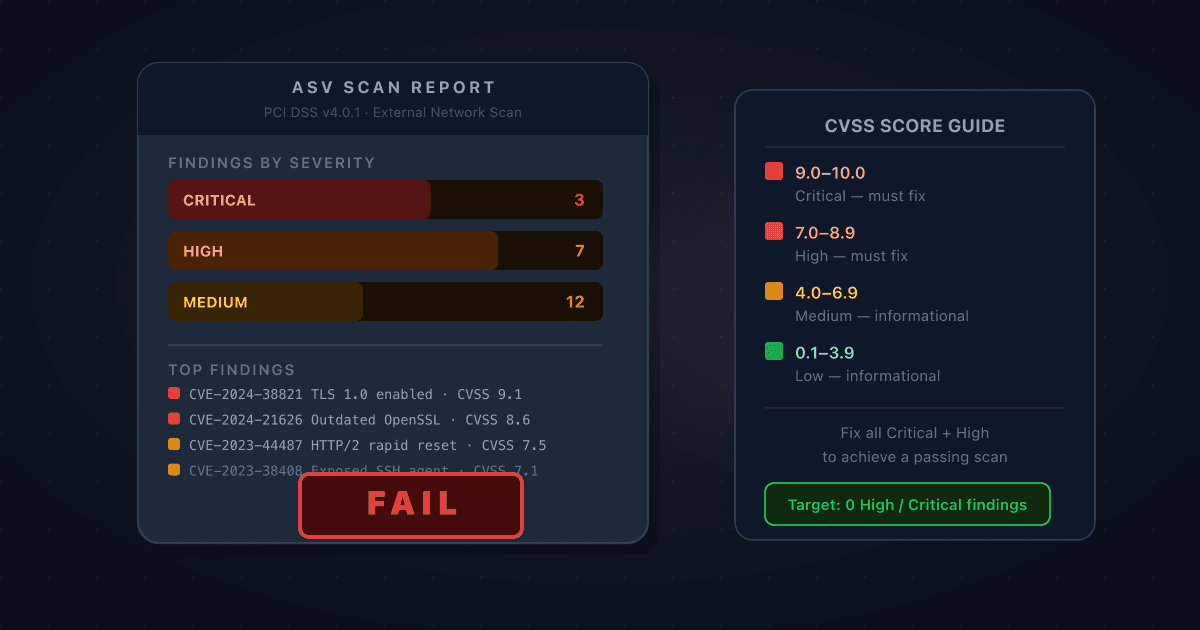
Your ASV Scan Came Back Failing: How to Read the Report and Prioritise What to Fix
A failing ASV scan report is dense, technical, and easy to misread. Here's how to work through it: what CVSS scores actually mean for your compliance deadline, which findings you must fix, which you can dispute, and how to get to a passing scan as quickly as possible.
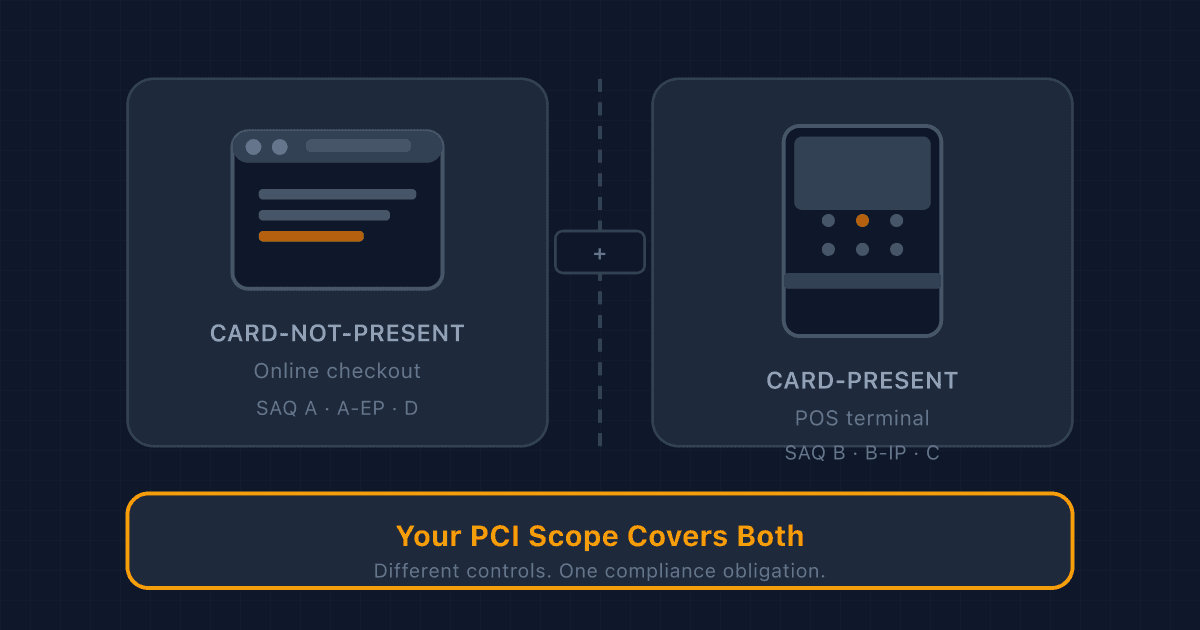
Adding a POS Terminal to Your Online Store? Here's What Changes for PCI Compliance
Card-present and card-not-present transactions fall under different PCI rules. If you sell both online and in person, here's what changes: SAQ type, network segmentation, physical device inspection, and who handles what.
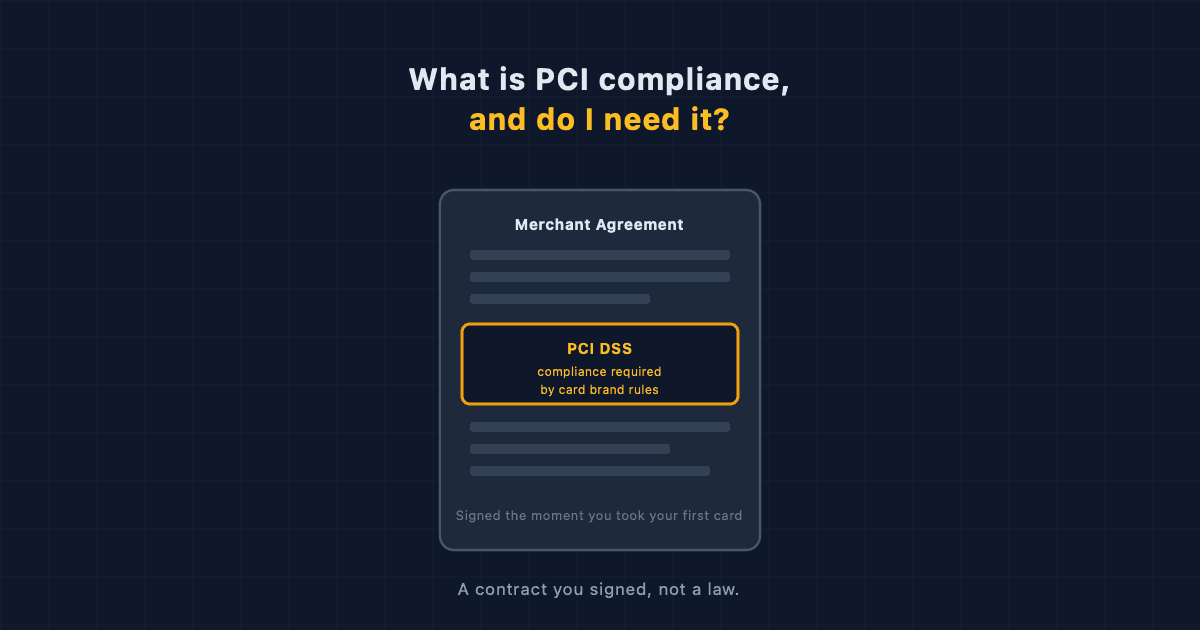
What Is PCI Compliance, and Do I Actually Need It?
PCI compliance is a contractual security standard every card-accepting merchant agrees to, not a law. Here's what it actually requires and how to find your form.