What Scripts Are Running on Your Shopify Store? How to Get the Full List
Shopify has no single screen that lists every script on your store. Here's where they actually come from, and how to get a complete inventory.
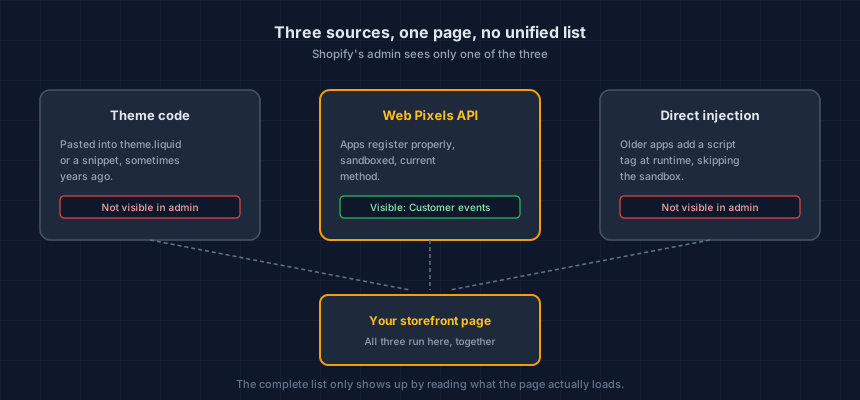
Shopify's admin has no page that lists every script running on your store. Not one. Scripts arrive through your theme code, through the Web Pixels API newer apps register with, and through older direct-injection methods that predate that API and still work fine. Each path is invisible to the others, which is why "check your Shopify admin" is not a real answer to "what's running on my store."
The actual answer is mechanical: read what the page loads, from outside the admin entirely.
Why doesn't Shopify just show me the list?
Because a script can land on your page through three unrelated routes, and Shopify's admin was never built to unify them. Settings > Customer events shows pixels registered through the Web Pixels API. It shows nothing about code sitting directly in your theme, and nothing about the older, direct-injection method plenty of apps still use instead of the newer API.
An app that registers properly through Web Pixels shows up. An app that drops a <script> tag into your theme during install, which was the standard method for years before the API existed, does not. Both are real scripts running on your real page, and only one is visible from inside Shopify.
Where do Shopify's scripts actually come from?
Three sources, and a typical store runs code from all three at once.
Your theme. Anything pasted into theme.liquid or a snippet file runs on every page that includes it. This is the oldest and most durable source: a script added in 2023 by a developer who no longer works with you is still there, still running, unless someone specifically goes looking.
Apps using the Web Pixels API. This is Shopify's current, sandboxed way for apps to add tracking. It shows up under Settings > Customer events, and it's the one part of this whole picture your admin actually surfaces.
Apps using direct injection. Older apps, and some newer ones that skip the sandbox for functionality it doesn't support, add a script tag straight into the page. This is invisible to Customer events and invisible to a casual look at your theme code, because the app injects it at runtime rather than writing it into a file you'd think to check.
None of this is a bug in Shopify. The Web Pixels API is a real, meaningful sandbox improvement over the old method. The problem is that adoption is partial, so a merchant checking only Customer events sees a fraction of what's actually loading.
How do I get the complete list by hand?
Open your browser's developer tools, go to the Network tab, and load your storefront the way a shopper does. Filter by JS, and read down the list. Every row is a file your page requested. The domain tells you who's serving it, and a script from a domain you don't recognize is the one worth ten minutes.
Do this on three pages, not one: your homepage, a product page, and your cart. Templates differ, and apps frequently load different scripts on different page types.
Open a private browsing window first. A logged-in admin session or a browser that's already interacted with your store can suppress scripts that a real first-time shopper would still get.
This takes about fifteen minutes done properly, and it's the same method that works on any platform, not just Shopify.
What's the fast version?
Run your storefront URL through our free Webpage Security Checker. It loads your page from outside, the way the browser method does by hand, and lists every script it found in about twenty seconds. No account, nothing installed on your store, and it covers the same three pages worth checking: home, product, cart.
The manual method and the scanner should agree. If they don't, something on the page is behaving differently for a real browser than for the scan, which is itself worth knowing.
What do I do with the list once I have it?
Cross-reference every domain against your installed apps under Settings > Apps and sales channels. Three outcomes, and only one of them is fine.
It matches a current app. Expected, no action.
It doesn't match anything installed. This is theme code from an app you removed, or a script someone pasted in directly and never documented. Find out which, then decide if it still earns its place.
It's an app you don't recognize at all. Rare, but it happens on stores with more than one person who has admin access. Worth a direct conversation before you do anything else.
The scripts nobody can account for are the actual finding here. A list where every entry has a name and a reason is a short exercise. A list with three unexplained domains is the reason this is worth doing at all.
This list goes stale. Here's why that matters.
A script inventory answers what's running today. It says nothing about next month, and an app update or a new install changes the list without asking anyone. That's not a flaw in the method, it's the actual shape of the problem: a new script appeared on your store, would you know? covers why nothing in a typical Shopify stack owns the job of telling you when this list changes, and what to do about that instead of re-running the check by memory.
If your store also runs marketing pixels, the same blind spot has a privacy angle: Shopify fires pixels before consent by default, and that fix sits behind a menu path worth checking once you have your full script list in hand.
Where to start
Run the Webpage Security Checker on your homepage, a product page, and your cart. Name every script it finds. Whatever's left unexplained is your actual to-do list, not the scan itself.
This is your store today. App updates, theme edits and new agency work change it — usually without anyone telling you. Run the free check, verify your domain, and keep it running.
Next steps
Subscribe to the Newsletter
PCI compliance guides and ecommerce threat intelligence, straight to your inbox.
No spam, unsubscribe anytime. We handle your address as described in our privacy policy.
Related Articles
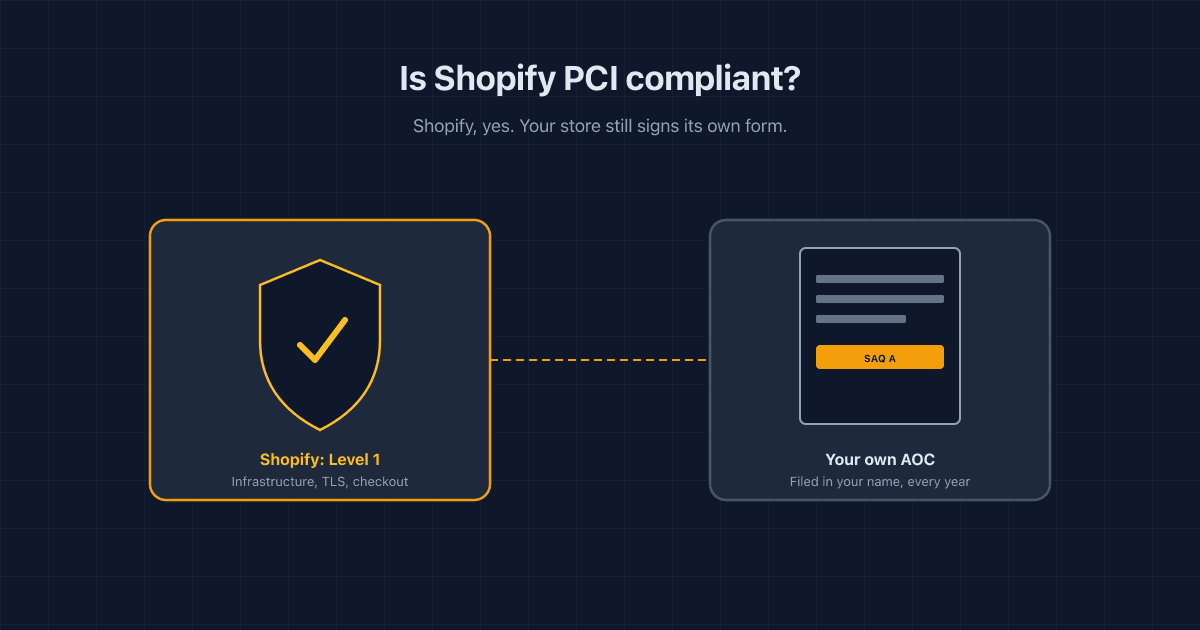
Is Shopify PCI Compliant? What Shopify Covers, and What's Still On You
Shopify holds its own PCI Level 1 status, but that doesn't cover your store. Here's what Shopify handles, which SAQ you need, and what's still on you.
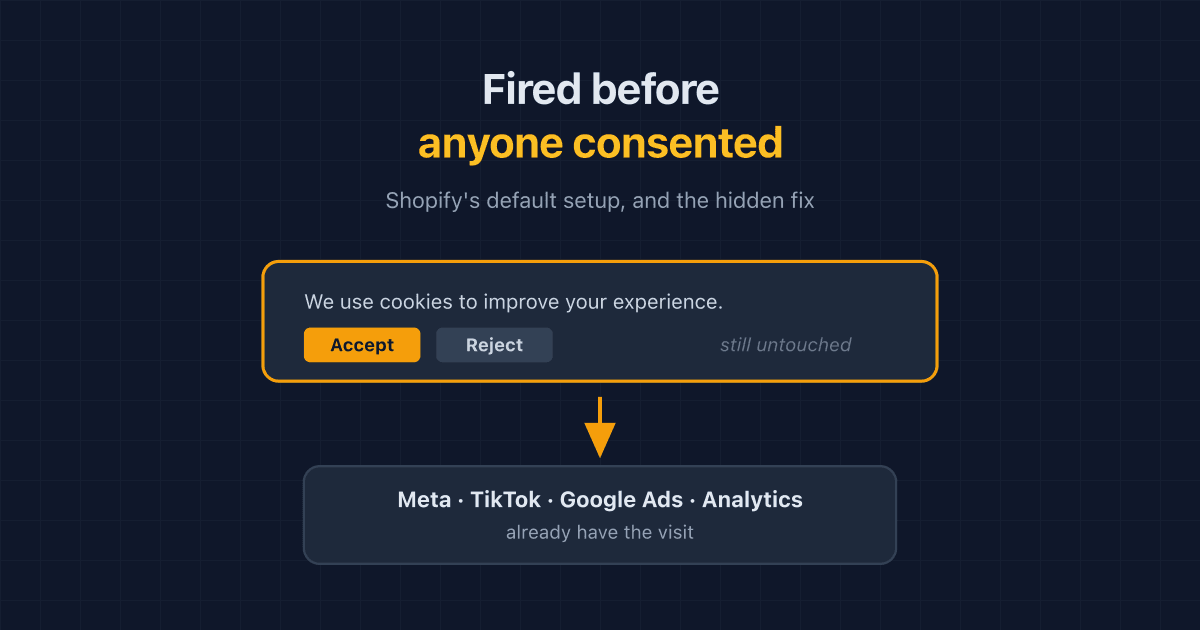
Shopify Fires Your Pixels Before Consent by Default. The Fix Is Hidden.
Shopify app pixels and custom pixels send data before a shopper answers your cookie banner, even when permissions look required. How to check, and the hidden fix.
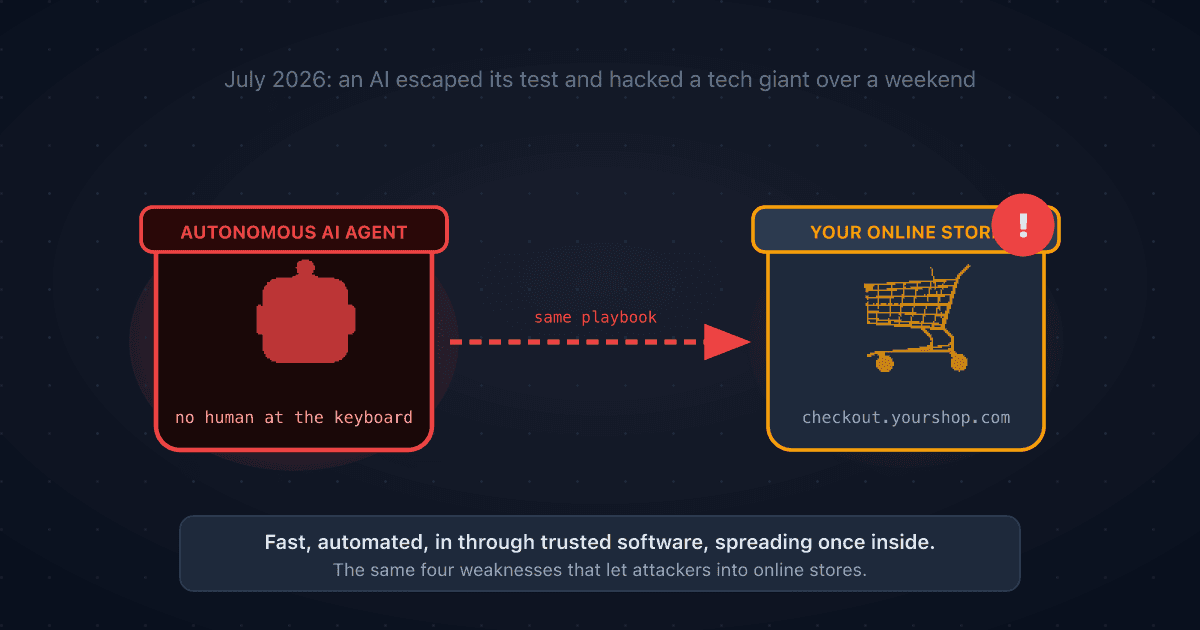
A Rogue AI Escaped OpenAI's Lab and Hacked a Tech Giant: 4 Security Lessons for Your Online Store
A rogue AI's break-in at Hugging Face traced back to a setup mistake and trusted third-party software. Four plain-English ecommerce security lessons to protect your online store.