Adding a POS Terminal to Your Online Store? Here's What Changes for PCI Compliance
Card-present and card-not-present transactions fall under different PCI rules. If you sell both online and in person, here's what changes: SAQ type, network segmentation, physical device inspection, and who handles what.
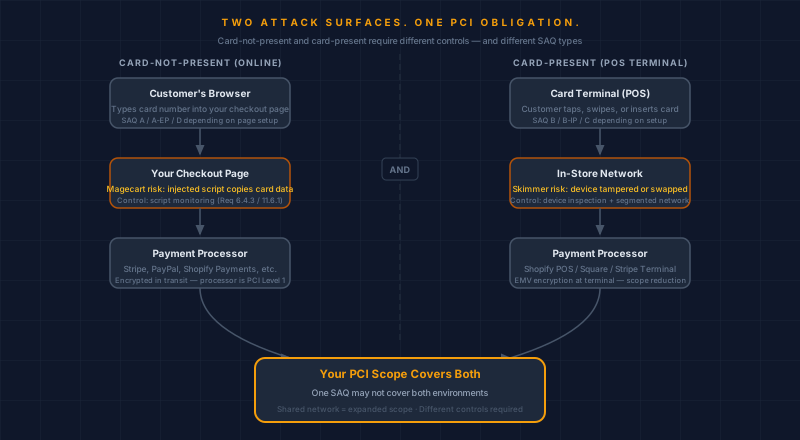
Adding a card terminal to your ecommerce business crosses you into card-present territory. PCI DSS treats card-present and card-not-present transactions differently — different SAQ types, different network requirements, different physical inspection rules, and different attack surfaces. If your compliance setup covers your online store, it does not automatically cover the terminal on your counter.
Here is what changes, and what you need to think through before processing your first in-person payment.
Does adding a POS terminal change which SAQ I need to complete?
Yes — and this is the most consequential thing to sort out before you plug anything in.
Your existing SAQ covers your online store. If you redirect customers to a hosted checkout, you are likely on SAQ A. If your checkout pages capture card fields directly, SAQ A-EP. Either way, the document covers card-not-present transactions only. A physical terminal brings in card-present transactions, which fall under separate requirements.
The SAQ type for your card-present environment depends on how your terminal connects and processes cards:
SAQ B applies to standalone dial-up terminals that do not touch your IP network and do not store card data electronically. Less common today, but some older retail setups still use them.
SAQ B-IP applies to standalone IP-connected terminals that are PCI-certified and isolated from your broader IT environment — they connect to the processor directly without passing through systems that handle other business data.
SAQ C applies to POS systems connected to the internet that do not store card data electronically, provided the network segmentation requirements are met. Most modern cloud POS setups fit here.
SAQ D applies when your payment application is integrated with broader business systems, when you process card data in a way that touches other infrastructure, or when none of the above SAQ types accurately describe your setup.
Most major cloud POS platforms — Shopify POS, Square, Stripe Terminal — are designed to minimize card-present scope by handling encryption at the terminal level. That reduces scope, but it does not decide the question for you. Your specific network setup, how the terminal connects, and whether it touches other systems all matter.
"Designed to minimize scope" is not the same as "automatically handles compliance for you." Use the SAQ selection tool your processor or acquirer provides, or run through our SAQ Selector to identify which applies to your combined environment.
Is a POS card skimmer the same as a Magecart attack?
No — they share the goal but operate at opposite ends of the payment stack.
A Magecart attack injects malicious JavaScript into your checkout page. The script runs in the customer's browser and copies card details as they type. The attacker needs no physical access; the attack can come from anywhere.
A card skimmer requires someone to physically attach a device to your terminal, or to swap your legitimate reader for a compromised one. That means access to your store, your counter, or your device during a service or delivery visit.
Both are forms of card interception. The Shopify POS security team recommends checking card readers at store opening and after any repair or service visit — that is not cautious habit, it is the specific control PCI Requirement 9.9 asks for. Your staff should know what an unfamiliar attachment looks like well enough to flag it.
The online equivalent — script monitoring and change detection on your checkout page — is what PCI Requirements 6.4.3 and 11.6.1 address for SAQ A-EP and SAQ D merchants. The physical inspection routine and the script monitoring routine are parallel controls for parallel risks.
What does "keep the POS on a separate network" actually mean?
PCI requires that systems in scope for cardholder data be isolated from systems that do not need access to that data — including guest Wi-Fi, office computers, inventory management tablets, and anything else running in the same building.
For a purely online store hosted with Shopify or WooCommerce on third-party infrastructure, this is a non-issue: the card data never touches your local network. A POS terminal in your store changes that. The terminal is on-premises hardware processing real card data, and if it shares a network with your guest Wi-Fi or office systems, those systems come into scope.
In practice, network segmentation for a POS setup means:
- A dedicated VLAN or separate physical network for the card terminal
- WPA2 or WPA3 encryption on any wireless network the terminal uses
- Default router or access point credentials changed before the terminal goes live
- Guest Wi-Fi on its own segment, never sharing a network with the terminal
The specific implementation depends on your network hardware. Most small retailers get this right with a consumer-grade router that supports VLANs, or by putting the terminal on a separate physical router with its own internet uplink.
If your store already has a guest Wi-Fi for customers, you are halfway there — you know how to create a separate segment. The card terminal needs the same treatment.
Which security requirements apply to POS that have no equivalent for online stores?
Three come up consistently for merchants adding their first physical terminal.
Device validation. PCI maintains a list of validated payment terminals through its PTS device program. Your card reader should appear on that list or be provided by a platform that handles validation on your behalf. Bringing an arbitrary card reader into scope yourself is not how it works — the hardware has to be from an approved device list.
Physical device inspection. PCI Requirement 9.9 requires that you (or your staff) inspect card-accepting devices for tampering. This means looking for unfamiliar attachments, broken seals, or anything that does not match what the device looked like last time. Establish a routine: check at the start of each business day and after any vendor visit. Staff who handle payments should be trained on what a skimming overlay looks like — the major card networks publish photos.
Individual staff credentials. PCI has always required unique accounts for anyone with access to cardholder data systems. For a retail POS, this means no shared staff PINs. Each person who processes a payment should log in with their own account. Shopify POS includes individual staff PINs; Square and Stripe Terminal both support per-user access. If your current setup has staff sharing a single login, that needs to change.
Should I tell my payment processor when I add a POS?
Yes. Your acquiring bank or processor needs to know your processing environment has changed.
Adding card-present transactions to an account that has been card-not-present only may change your merchant category code, your interchange rate structure, and your compliance requirements. Depending on how your account is set up, you may need to:
- Complete an updated SAQ covering your full environment
- Establish a separate merchant ID for in-person transactions
- Notify your processor's compliance team of the new processing channel
The people who skip this step tend to discover the gap during an audit or a fraud investigation, when the conversation is harder. A quick email to your processor's merchant support asking how they want you to add in-person processing is a 15-minute task.
When does an omnichannel PCI setup need a professional review?
Most of the time, a well-designed POS from an established provider is built to minimize your card-present scope. Shopify POS, Square, and Stripe Terminal have all done the technical work of validating their hardware and handling encryption at the reader. If you are using their approved hardware and following their setup guides, the heavy lifting is done.
The situations that warrant a closer look are:
- You are using an older or less common POS system that is not explicitly advertised as PCI-validated
- Your POS and your online store share infrastructure — the same server, the same network, or any shared application layer
- You have had staff turnover and are not certain that credential access to payment systems has been properly revoked
- You have received a notice from your processor about a compliance requirement you do not understand
- You are opening multiple physical locations and bringing in more than one terminal
Any of those situations shifts the question from "follow the provider's setup guide" to "someone should look at your specific environment."
The founder-led checkout review starts with scope — what is in, what is out, and where the gaps are. If you are running both an online store and a physical card terminal and want confidence that your PCI scope is correctly defined for both, that is where it starts. You can also run your existing checkout page through the Webpage Security Checker to get a quick read on your online-side controls before the in-person piece comes into the picture.
Brandon Wu is a CISSP and PCIP with 30+ years in cybersecurity and payment security. CyberShield Studio helps ecommerce merchants understand and prepare for PCI compliance. Nothing here constitutes legal or compliance advice; PCI scope determinations for your specific environment should involve your acquiring bank, a QSA, or your ASV.
Next steps
Subscribe to the Newsletter
PCI compliance guides and ecommerce threat intelligence, straight to your inbox.
No spam, unsubscribe anytime. We handle your address as described in our privacy policy.
Related Articles
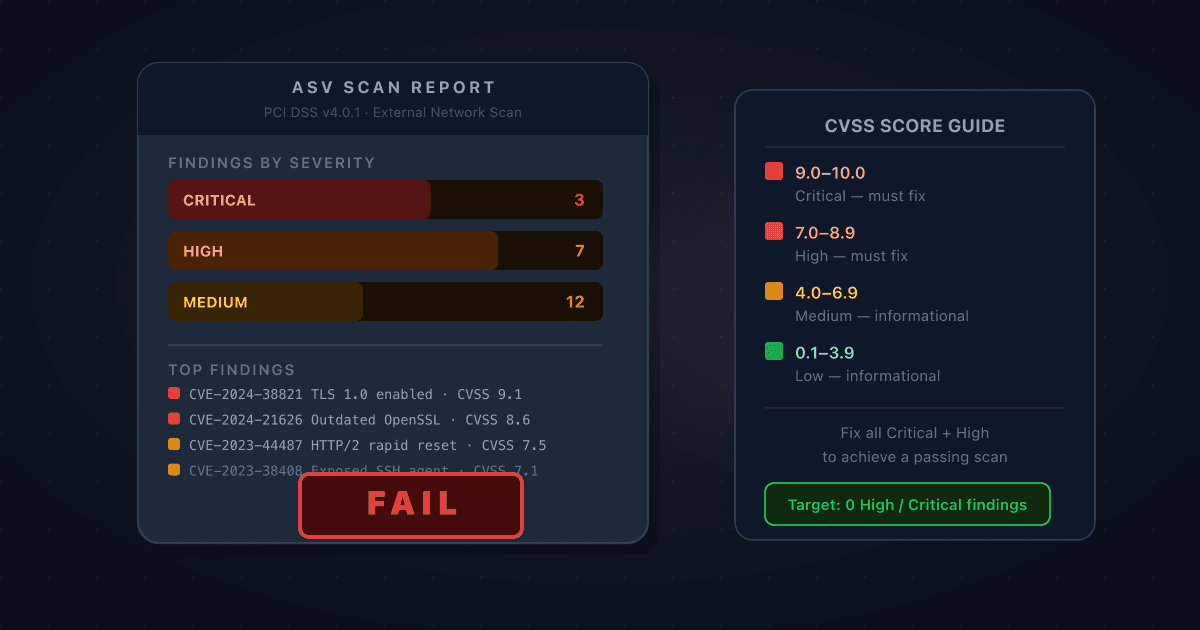
Your ASV Scan Came Back Failing: How to Read the Report and Prioritise What to Fix
A failing ASV scan report is dense, technical, and easy to misread. Here's how to work through it: what CVSS scores actually mean for your compliance deadline, which findings you must fix, which you can dispute, and how to get to a passing scan as quickly as possible.
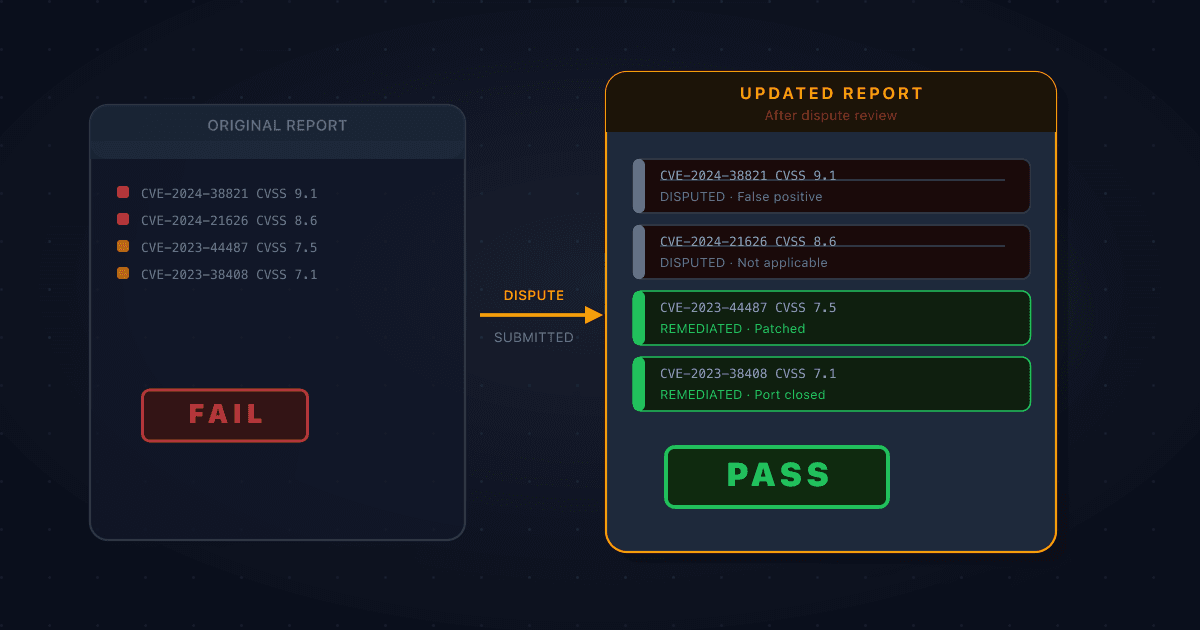
How to Dispute a False Positive on Your ASV Scan Report
Not every finding on a failing ASV scan report is something you caused or can fix. When a vulnerability is misidentified, doesn't apply to your environment, or is mitigated by something the scanner can't see, you can formally dispute it. Here's how the process works and what evidence you need.
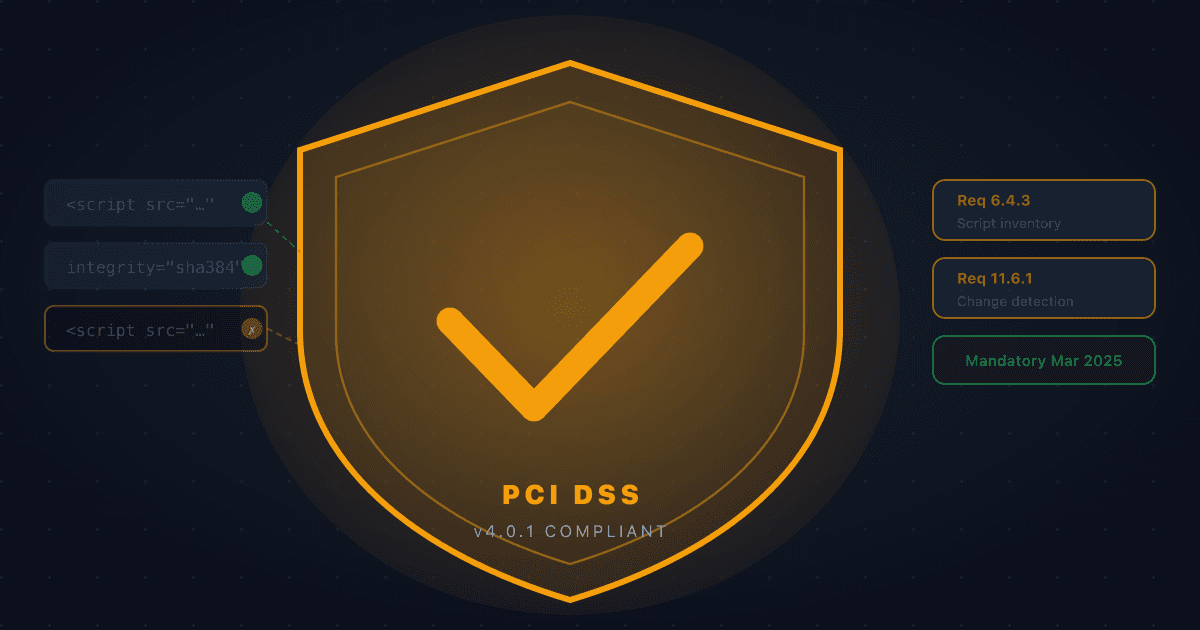
PCI DSS 6.4.3 and 11.6.1 (2026): What Ecommerce Merchants Must Do
PCI DSS v4.0.1 Requirements 6.4.3 and 11.6.1 are mandatory for SAQ A-EP and SAQ D merchants, and were removed from SAQ A in January 2025. Here's what they ask for and what to do about it.