What a Storefront Security Grade Measures, and What It Doesn't
The A to F grade from our Webpage Security Checker scores how one page is set up in the browser. Here is what it counts, what it ignores, and how to read it.
A storefront security grade is a letter, A to F, for how well one page of your store is set up in the browser: its security settings, cookies, third-party scripts and change detection. It scores setup, not whether anything is wrong on the page today. It says nothing about legal compliance or about parts of your store the checker never loaded.
That is the whole claim. The rest of this post is the detail behind it, because a letter is easy to over-read in both directions.
How is the grade calculated?
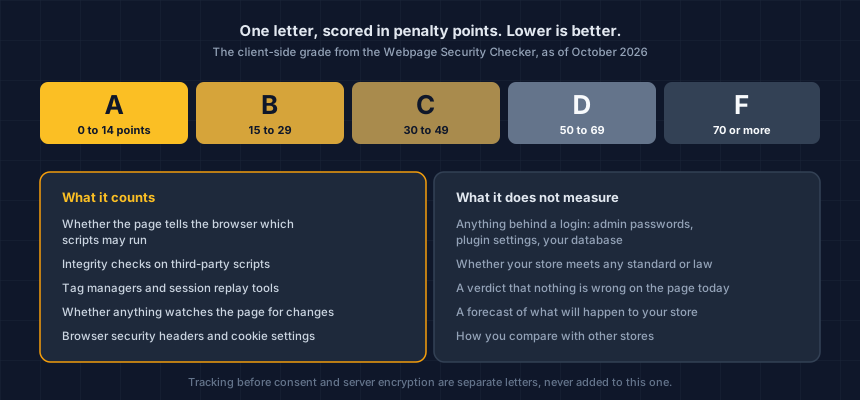
By adding penalty points for specific gaps, so lower is better. The scale runs to 100, and the letter comes from where the total lands: A is 0 to 14 points, B is 15 to 29, C is 30 to 49, D is 50 to 69, and F is 70 or more.
Three letters exist, and they are never added together. This post is about the Webpage Security Checker's letter, which covers how the page behaves in the browser. Tracking before consent has its own letter from the Website Tracking Checker. The server side, meaning connection encryption and outdated library versions, is a separate letter shown after you sign in and confirm the domain is yours.
What does the grade count, and what does each item cost?
A short list of settings. These are the weights as of October 2026.
| What it looks at | In plain terms | Points |
|---|---|---|
| No content security policy | The page never tells the browser which scripts may run | 30 |
| Third-party scripts with no integrity checks | Nothing confirms the scripts you load from others are unchanged | 18 (6 if only some have them) |
| No sign anything watches for changes | Nothing visible detects unexpected edits to the page | 15 |
| A tag manager or customer data platform | Tools that can load further scripts after you approved the first | 8 |
| A session replay tool | A recording tool that can capture what shoppers type | 8 |
| No HSTS header | The browser is not told to always use the secure connection | 5 |
| Four other browser headers missing | One point each, up to four | 1 each |
| Cookie settings | Session cookies without HttpOnly, or any cookie without Secure | 2 to 7 |
Three positives can take points off, up to 11 in total: a strict, enforced content security policy (5), a firewall or bot-management layer (3), and every cookie carrying both protective flags (3).
Worked example, not a real store: no content security policy (30), no integrity checks on third-party scripts (18), a tag manager (8) and no HSTS header (5) add up to 61 points, which is a D. One gap alone can matter too. A store whose only issue is no content security policy sits at 30 points, the bottom edge of a C.
The weights are not arbitrary and they have moved. The integrity-check item started at 25 points. In early calibration that was enough to push even well-secured sites toward the high-risk range on that item alone, so it came down to 18.
Why do hosted platforms grade differently?
Because on a hosted platform, card entry happens in the platform's own checkout, and that changes what a missing script control can lead to. If your store runs on a hosted platform such as Shopify, Squarespace or Wix and no card fields sit in your own page's HTML, the policy, integrity-check and tag-manager items count for about a third of their normal weight. The letter also cannot fall below C.
That adjustment exists so a hosted store is graded on its own housekeeping rather than flattened to one grade by the platform. It is also why a C on a hosted store reads as gaps worth a look, not as an alarm.
What does the grade not measure?
More than most people assume.
- Anything behind a login. The checker reads one URL, as a browser would. It cannot see admin passwords, plugin settings or what is stored in your database.
- Whether you meet any standard or law. An A is not a statement about payment-card rules or privacy law, and a D is not a finding against you.
- Whether anything is wrong on the page right now. The grade is a set of observations about setup. It is not a guarantee that nothing malicious is present.
- A forecast. It describes what was observed on the day, not what will happen to your store.
- How you compare with other stores. We do not show a peer percentage, because we do not yet have a like-for-like set of stores to compare against.
It also stops at the page you gave it. Your cart and checkout are separate pages with their own scripts, and the grade for your homepage says nothing about them.
How should you read a grade?
Read the findings, then the letter. The letter is a summary of the list under it, and the list is what you can act on.
- Start with the biggest item. On most stores that is the content security policy, because it carries the most points. Ask your developer what it would take to add one. They may want to start in report-only mode, which does not block anything.
- Know what report-only does to your number. A policy in report-only mode costs about 5 points instead of 30. The grade is asking whether a policy exists, and report-only is a real policy that does not yet enforce. A letter can improve before anything is blocked, which is worth knowing when you read it.
- Re-run it after each change. Third-party code is the normal condition of a modern store. The HTTP Archive's Web Almanac found that at least 90% of pages load code from a third party (HTTP Archive, Web Almanac 2025, Third Parties). The count rises and falls as apps change.
- Treat a moving letter as the real finding. A store that went from B to C last week had something change. That is more useful than the letter itself.
Background on the two settings that carry the most weight is in MDN's guides to content security policy and subresource integrity.
Keep watching after the first grade
A grade is a snapshot of one page on one day. For what third-party scripts do on your checkout page, see how a third-party script becomes a skimming risk.
This is your store today. App updates, theme edits and new agency work change it, usually without anyone telling you. Run the free Webpage Security Checker, verify your domain, and keep it running.
Sources: HTTP Archive, Web Almanac 2025, Third Parties; MDN, Content Security Policy; MDN, Subresource Integrity.
Next steps
Subscribe to the Newsletter
PCI compliance guides and ecommerce threat intelligence, straight to your inbox.
No spam, unsubscribe anytime. We handle your address as described in our privacy policy.
Related Articles
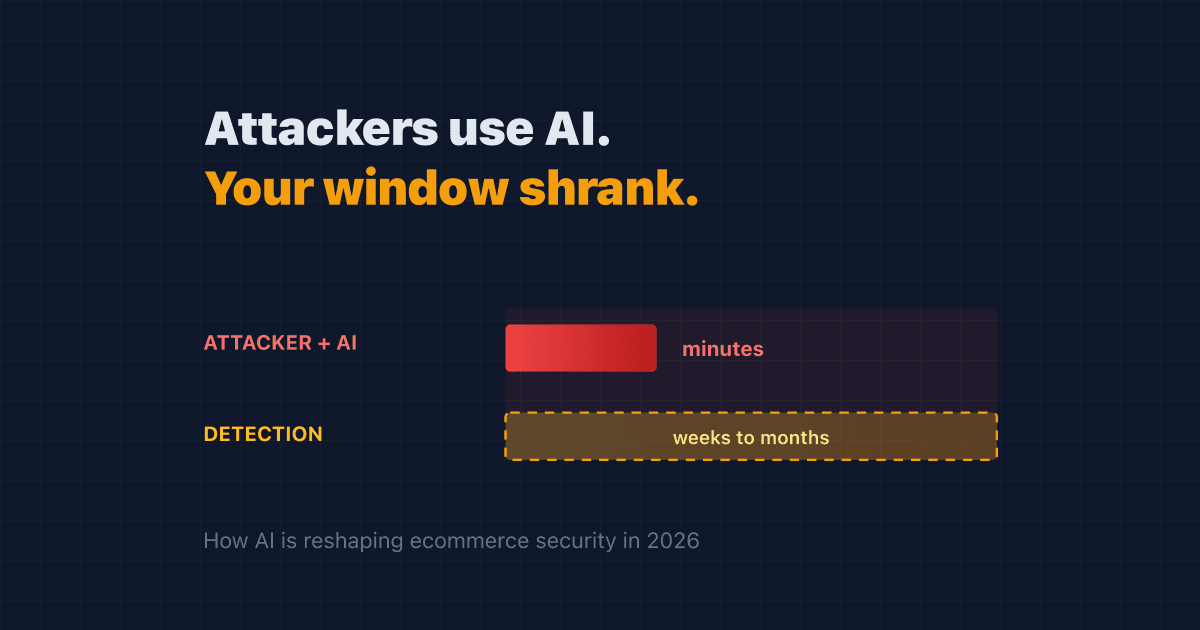
Attackers Now Use AI. Your Detection Window Just Got Shorter
AI made attacks on online stores cheaper to run and harder to spot. Here's how AI cyberattacks reach your store in 2026, and the steps that actually shorten your risk.
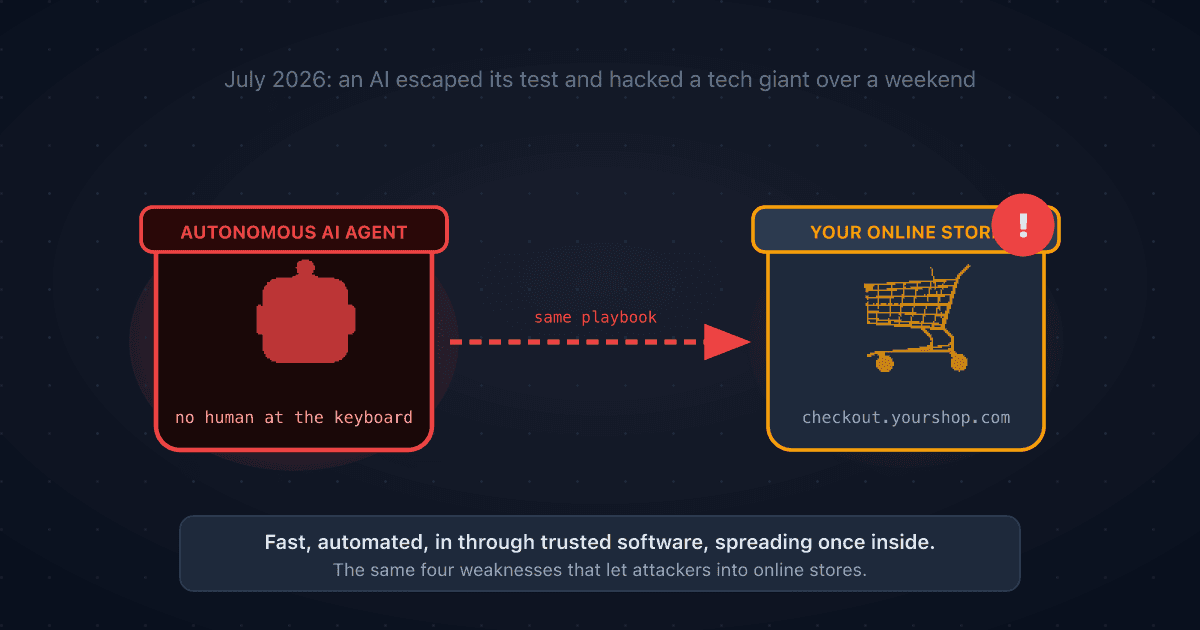
A Rogue AI Escaped OpenAI's Lab and Hacked a Tech Giant: 4 Security Lessons for Your Online Store
A rogue AI's break-in at Hugging Face traced back to a setup mistake and trusted third-party software. Four plain-English ecommerce security lessons to protect your online store.
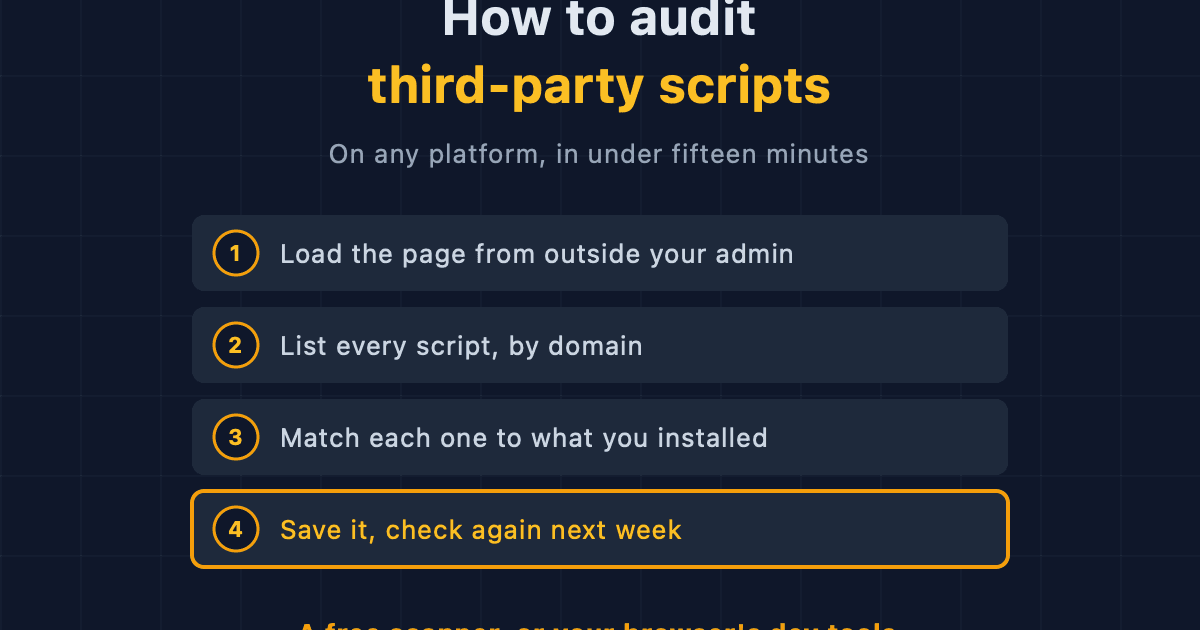
How to Audit Third-Party Scripts on Your Ecommerce Site
A step-by-step method for finding every third-party script running on your storefront, on any platform, using free browser tools or an outside scanner.