What Is PCI Compliance, and Do I Actually Need It?
PCI compliance is a contractual security standard every card-accepting merchant agrees to, not a law. Here's what it actually requires and how to find your form.
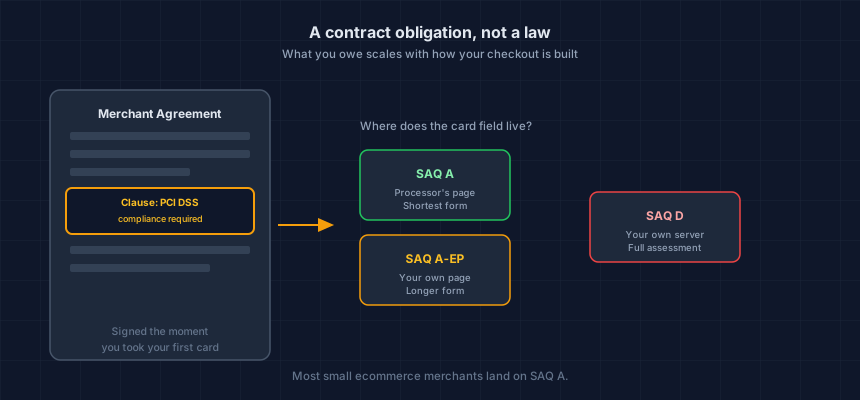
PCI compliance means following the Payment Card Industry Data Security Standard, a set of security requirements the major card brands require of anyone who accepts their cards. It's part of your merchant agreement, not a law, and yes, you owe it if you take card payments, no matter how small your store is. What you actually have to do about it depends entirely on how your checkout is built.
That last part is the piece most merchants never get a straight answer on.
What is PCI compliance, exactly?
PCI DSS is maintained by the PCI Security Standards Council, a body the major card brands (Visa, Mastercard, American Express, Discover, JCB) set up jointly to write and update it. Accepting their cards means agreeing to follow it, and that agreement lives in the contract you signed with your payment processor or acquiring bank, not in any government code.
That's the whole thing in one sentence: a security standard, enforced through your merchant agreement, that exists because the card brands need every merchant on their network to meet a baseline, or the whole system's fraud numbers get worse for everyone.
Do I actually need to do anything about it?
Yes, and there's no revenue threshold that gets you out of it. A store doing $50,000 a year and a store doing $50 million both owe the same underlying obligation: secure whatever cardholder data touches your systems. What changes with size is validation tier and how closely an acquirer checks, not whether the requirement applies at all.
For most SME ecommerce merchants, the actual workload is smaller than the name suggests. If your checkout redirects to a processor's hosted page or embeds their payment form in an iframe, you're very likely SAQ A, the shortest of the Self-Assessment Questionnaires PCI DSS offers. SAQ A vs SAQ A-EP: the 10-minute decision guide walks through the exact test for figuring out which one you're on.
The processor's name doesn't decide this, the integration does. Stripe Checkout and Stripe Elements are both SAQ A. The older Stripe.js v2, which puts card fields in your own page, is SAQ A-EP. Same company, different scope.
What happens if I ignore it?
The first thing most merchants actually see is a recurring line on their processing statement, usually $20 to $100 a month, added once your acquirer notices your validation paperwork is missing. It's a contract charge for the absence of a form, not a fine for a breach, and it runs indefinitely until the form gets filed.
That's the visible cost. The real exposure sits behind it: if a card breach happens while you're not validated, your processor and the card brands have contractual remedies separate from that monthly fee, up to losing your ability to accept cards at all. Nobody wants to find out which remedies apply to them by living through one.
Which PCI form do I actually need to fill out?
Three realistic options for an ecommerce merchant, and the test is where the card number field physically lives.
SAQ A — the card field sits entirely on your processor's page, reached by redirect or embedded iframe. Shortest form, no card data ever touches your own server.
SAQ A-EP — your own page renders the card input field directly, even though a third party still processes the transaction. Considerably longer, because your web server is now in scope.
SAQ D — card data actually transits or is stored on your own systems. The full assessment, and the one worth getting help with before you attempt it alone.
Quarterly external vulnerability scanning (Requirement 11.3.2) applies to SAQ A too, not just A-EP and D, a change that caught a lot of merchants off guard when PCI DSS v4.0 added it in April 2024. Does SAQ A require quarterly ASV scans? covers what changed and what to do about it.
What's the fastest way to find out where I stand?
Run your setup through our free SAQ selector. It asks the same questions a QSA would about where your card fields live and tells you which form you're looking at in a couple of minutes, no account needed.
If a scan turns up something you can't explain, or your integration is more custom than a standard hosted checkout, a founder-led review looks at your actual page and gives you a straight answer before you attest to anything.
This is your store today. App updates, theme edits and new agency work change it — usually without anyone telling you. Run the free check, verify your domain, and keep it running.
Next steps
Subscribe to the Newsletter
PCI compliance guides and ecommerce threat intelligence, straight to your inbox.
No spam, unsubscribe anytime. We handle your address as described in our privacy policy.
Related Articles
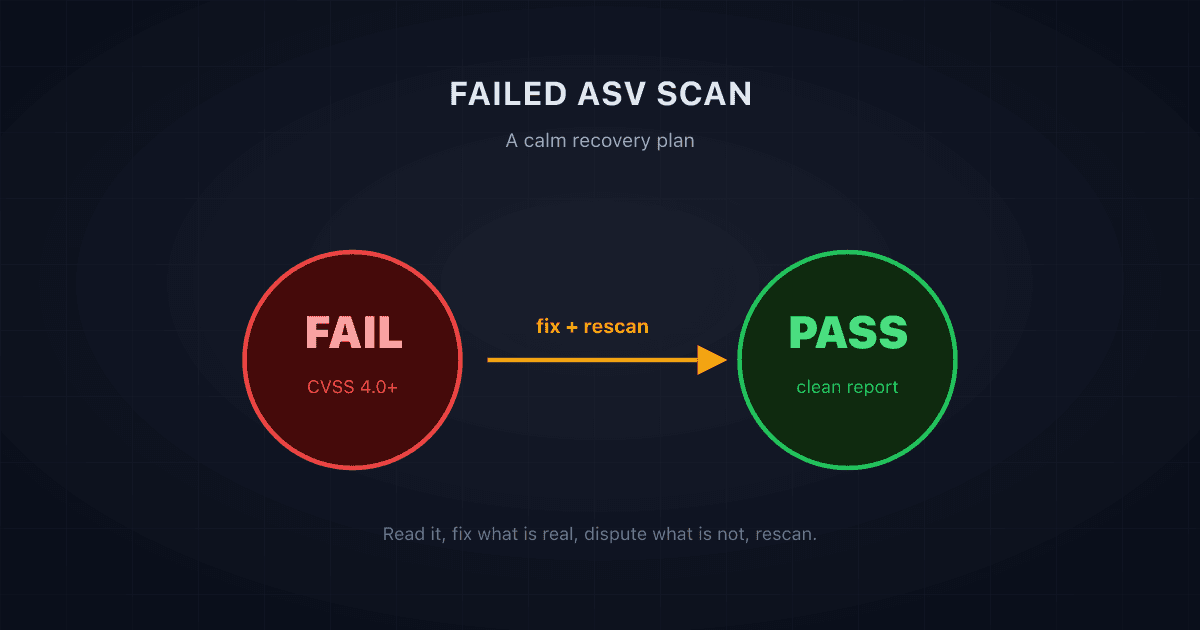
Failed Your ASV Scan? A Calm, Step-by-Step Recovery Plan
A failed ASV scan is common and fixable. Here is a calm, step-by-step recovery plan: what a failing result means, what to fix first, and how to rescan to a pass.
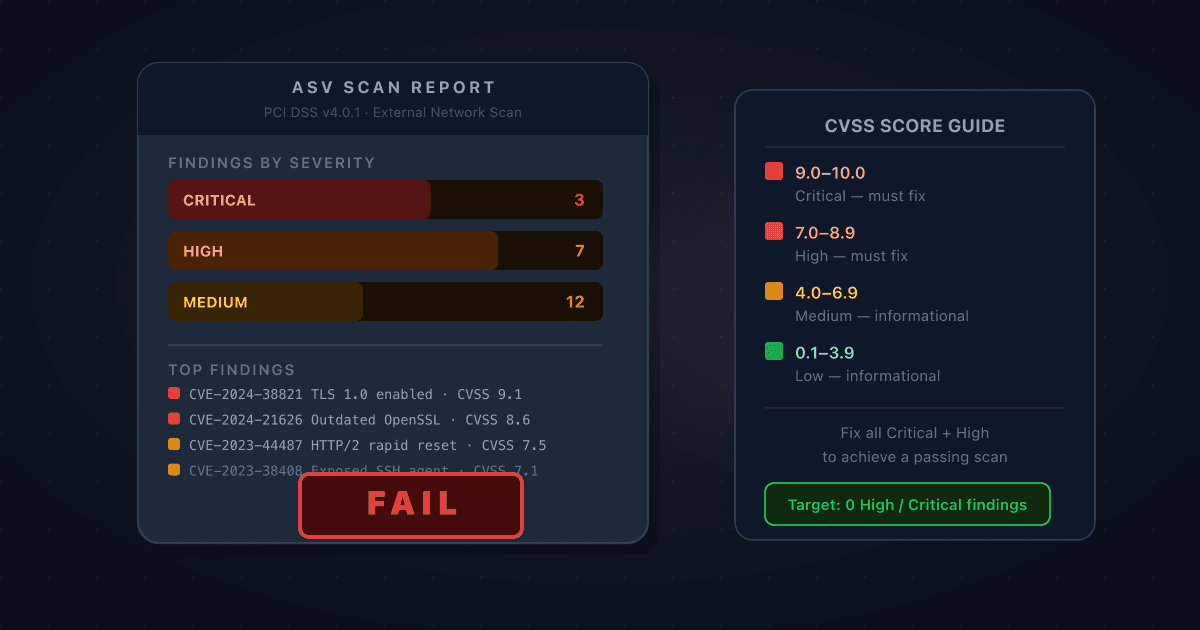
Your ASV Scan Came Back Failing: How to Read the Report and Prioritise What to Fix
A failing ASV scan report is dense, technical, and easy to misread. Here's how to work through it: what CVSS scores actually mean for your compliance deadline, which findings you must fix, which you can dispute, and how to get to a passing scan as quickly as possible.
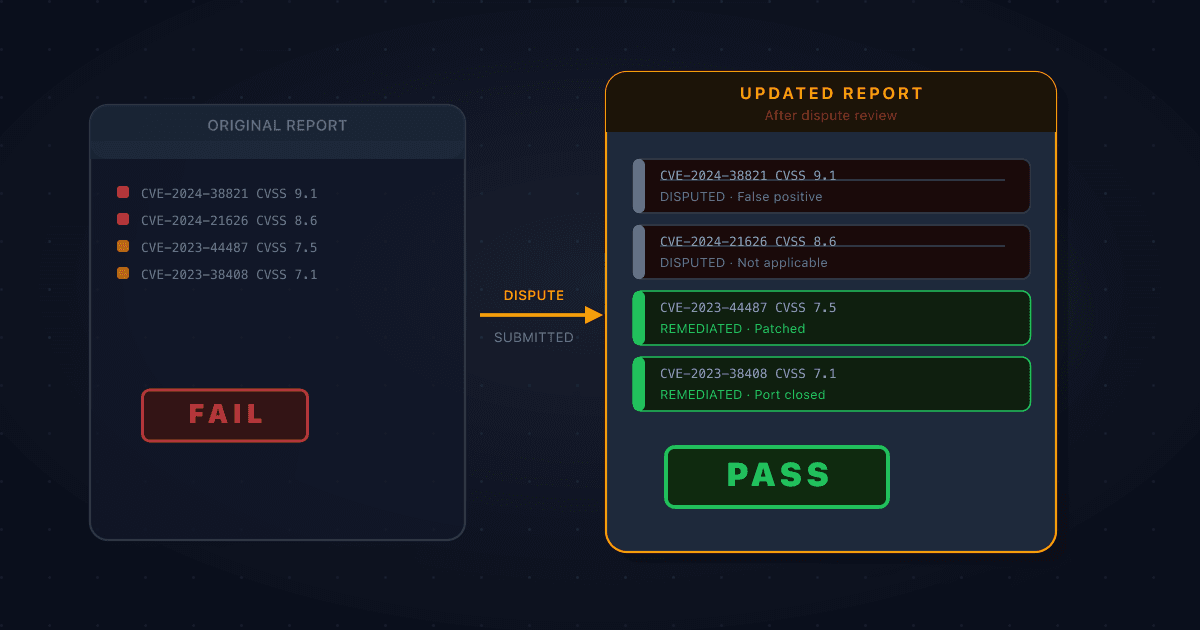
How to Dispute a False Positive on Your ASV Scan Report
Not every finding on a failing ASV scan report is something you caused or can fix. When a vulnerability is misidentified, doesn't apply to your environment, or is mitigated by something the scanner can't see, you can formally dispute it. Here's how the process works and what evidence you need.