Critical PHP Flaws (PHP2Shell): What Online Store Owners Need to Do Today
Two critical PHP flaws let attackers run code on a server without logging in. Here is what store owners on WooCommerce, Magento and PHP hosts should do today.
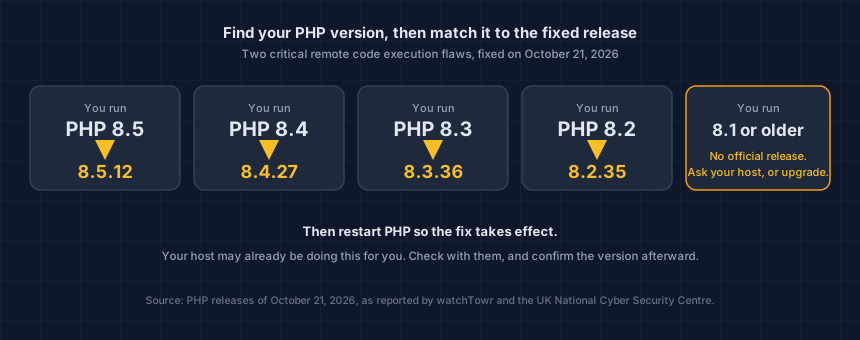
PHP released emergency fixes on October 21, 2026 for two critical flaws that can let an attacker run commands on a web server without logging in. Any store running PHP is in scope, including WooCommerce and Magento. Find your PHP version, update to 8.5.12, 8.4.27, 8.3.36 or 8.2.35 (or your host's patched package), and restart PHP.
Your host may already be doing this. Check, and confirm the version afterward.
What happened?
The PHP project released PHP 8.5.12, 8.4.27, 8.3.36 and 8.2.35, fixing two critical vulnerabilities that, under the right conditions, let an unauthenticated attacker execute code on a server running PHP (PHP Foundation, October 21, 2026). Both are rated 9.2 on the CVSS 4.0 scale.
Both sit in parts of PHP that nearly every request touches: memory management and error handling. In plain terms, a request can leave PHP's internal state half-built or pointing at memory that has been freed, and a later request can then use that bad state. The details are in the UK NCSC alert.
The CVE numbers leaked on October 20, two days before the planned release, so the PHP project moved the release up a day.
Is my store affected?
If your store runs on a server that runs PHP, yes. That covers WooCommerce, which runs on WordPress, and Magento, Adobe Commerce, PrestaShop, OpenCart and custom PHP builds. WordPress states the flaws are not specific to WordPress, affect any server hosting a PHP application, and need no WordPress update (WordPress News, October 21, 2026).
The NCSC says all versions of PHP are affected, so do not limit your check to old ones. Every way of running PHP that serves web requests is in scope, per watchTowr, including PHP-FPM, Apache's mod_php, php-cgi, LiteSpeed and FrankenPHP.
If your store runs on a hosted platform and you never manage a server, patching your platform's servers is the platform's job. Ask them if you are unsure.
Is it being exploited?
Reportedly yes. watchTowr says it has observed exploitation in the wild since October 21, through its honeypot network. As of October 22, it said CISA had not added either flaw to its Known Exploited Vulnerabilities catalog, and no attribution had been made public (watchTowr FAQ).
The PHP Foundation says it did not find functional exploits at the time of release, and that the leak and a proof-of-concept video published by one of the reporting firms sped up exploit development. Treat the window between release and your update as the risky part.
How do I find my PHP version, and what do I update to?
On WordPress, go to Tools, then Site Health, then Info, then Server. Many hosts also show it in their control panel. If you cannot find it, ask your host or developer directly.
| If you run | Update to | Notes |
|---|---|---|
| PHP 8.5 | 8.5.12 | Fixed |
| PHP 8.4 | 8.4.27 | Fixed |
| PHP 8.3 | 8.3.36 | Fixed |
| PHP 8.2 | 8.2.35 | Fixed |
| PHP 8.1 or older | No official release | Ask your host for a vendor-patched package, or move to a supported version |
Restart PHP after updating, since long-running PHP workers keep running the old code until they restart. watchTowr notes that PHP says no configuration change fully mitigates these flaws, so updating is the fix.
Your host may also be putting web application firewall rules in place to filter attack traffic. WordPress is clear that you should still check for updates and update PHP as soon as possible. A filter is a stopgap, not a fix.
What if I cannot update today?
The NCSC's steps, in order: identify every system running PHP, internet-facing ones first; update to the fixed release; if you cannot, apply the PHP Foundation's temporary mitigations; if you cannot do that quickly, consider taking the system offline until it is fixed.
If you cannot update or take it offline right away, the NCSC says to check for signs of compromise first and look for backdoors an attacker may have left. If you are not confident doing that yourself, bring in a qualified incident response provider.
What should a store owner check afterward?
Whether anything changed on the checkout. A flaw that runs code on your server is the kind of foothold used to plant card-stealing scripts. In a campaign Gambit Security reported in September, attackers who got into custom-built stores left skimmers on checkout pages. The Magento flaw we covered earlier, StyleSmuggler, was a code-execution bug of the same kind.
Three checks cover it:
- List the scripts on your cart and checkout pages and look for any domain you do not recognize. The step-by-step audit guide takes about fifteen minutes.
- Ask your developer or host whether any files changed in the last couple of weeks that nobody made on purpose.
- Compare against last week. A skimmer can also run from your own domain, where a list of third-party domains will not flag it, so what changed is the clue. Here is what to watch and how often.
For background on what a skimmer is, see what a Magecart attack is.
Keep watching after the update
Updating PHP closes the door that was reported. It does not tell you whether anything came through it first.
This is your store today. App updates, theme edits and new agency work change it, usually without anyone telling you. Run the free Webpage Security Checker, verify your domain, and keep it running.
Sources: WordPress News, "Critical PHP Security Release," October 21, 2026; The PHP Foundation, October 21, 2026; UK National Cyber Security Centre, October 21, 2026; watchTowr, PHP2Shell FAQ, updated October 22, 2026.
Next steps
Subscribe to the Newsletter
PCI compliance guides and ecommerce threat intelligence, straight to your inbox.
No spam, unsubscribe anytime. We handle your address as described in our privacy policy.
Related Articles
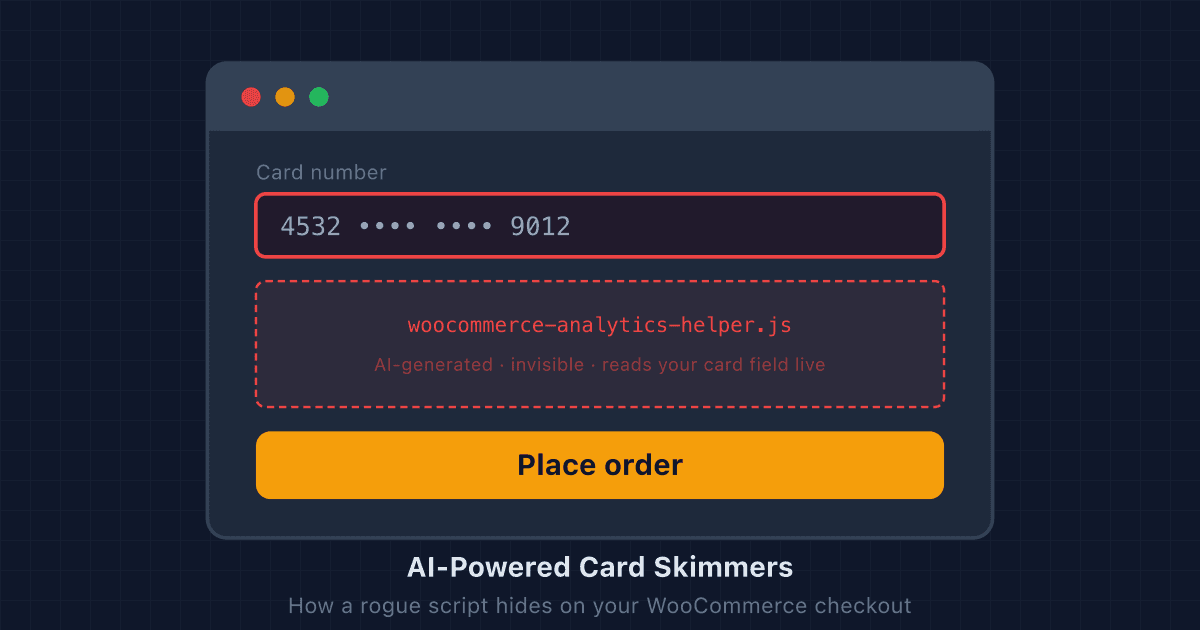
AI-Powered Card Skimmers: How a Rogue Script Hides on a WooCommerce Checkout
Modern card skimmers use AI to mutate their code and impersonate legitimate plugins. Here's how they hide on WooCommerce checkouts, and what store owners can do to find them.
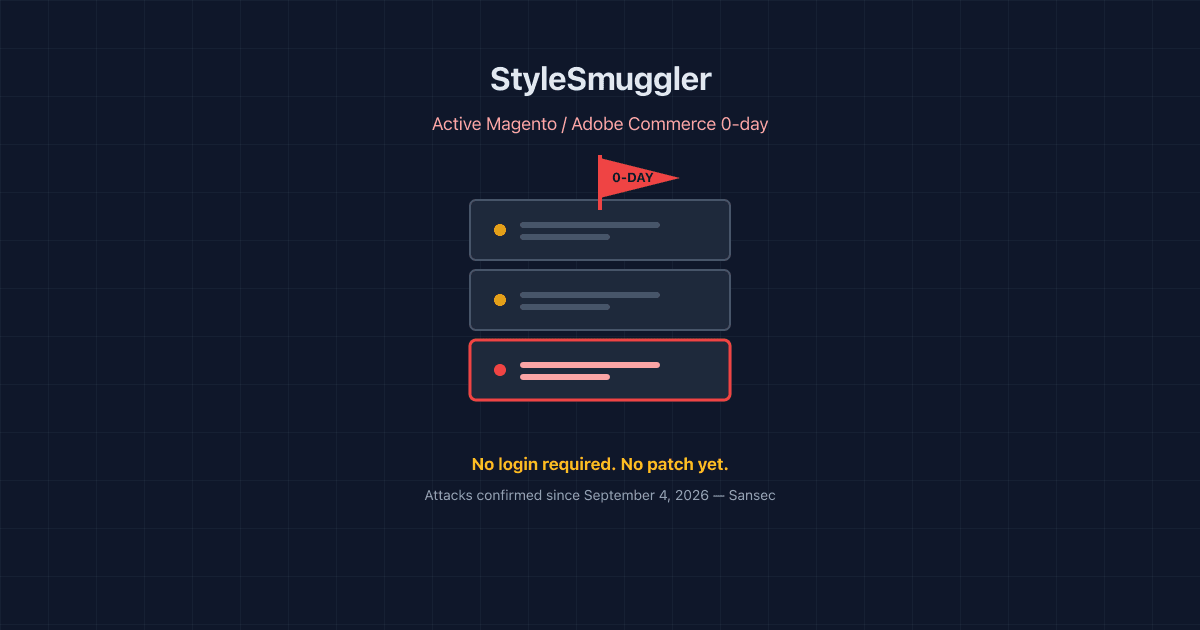
StyleSmuggler: The Magento Zero-Day Being Exploited Right Now
Sansec found an unpatched Magento and Adobe Commerce RCE under active attack since September 4, 2026. Here's how it works, what's affected, and what to check today.
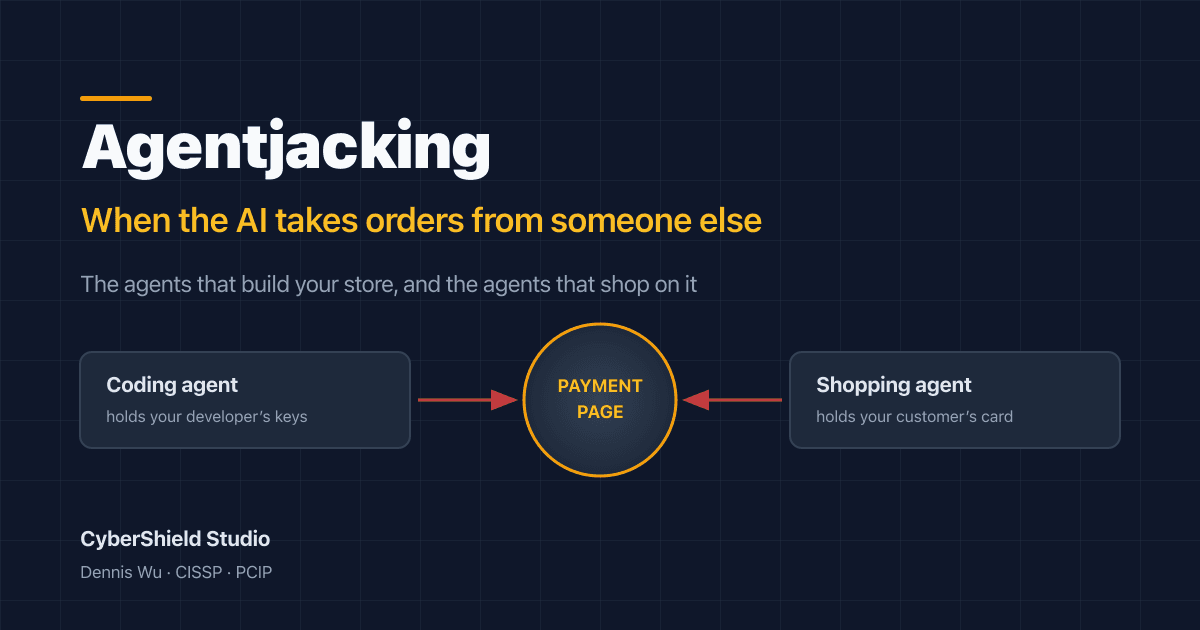
What Is Agentjacking? The AI Attack That Reaches Your Store From Two Sides
Agentjacking hijacks AI agents through data they already trust. Here's the June 2026 research, why it reaches your checkout from two directions, and what to do.